
Catalogues, brochures, customer magazines and newspapers have one thing in common: they were designed for paper. Readers know how to leaf through them, and that is exactly what they want to do online. A PDF download doesn’t give them that. A flipbook catalog or an e-paper does: the digital edition that looks like print and turns its pages like print.
In this guide, you’ll learn what makes a good online catalogue, why page flip alone isn’t enough, and how to turn your existing print PDF into a flipbook catalog or e-paper with Viewnamic – fast, readable on phones and with one link for every new edition.
Flipbook catalog and e-paper: what’s the difference?
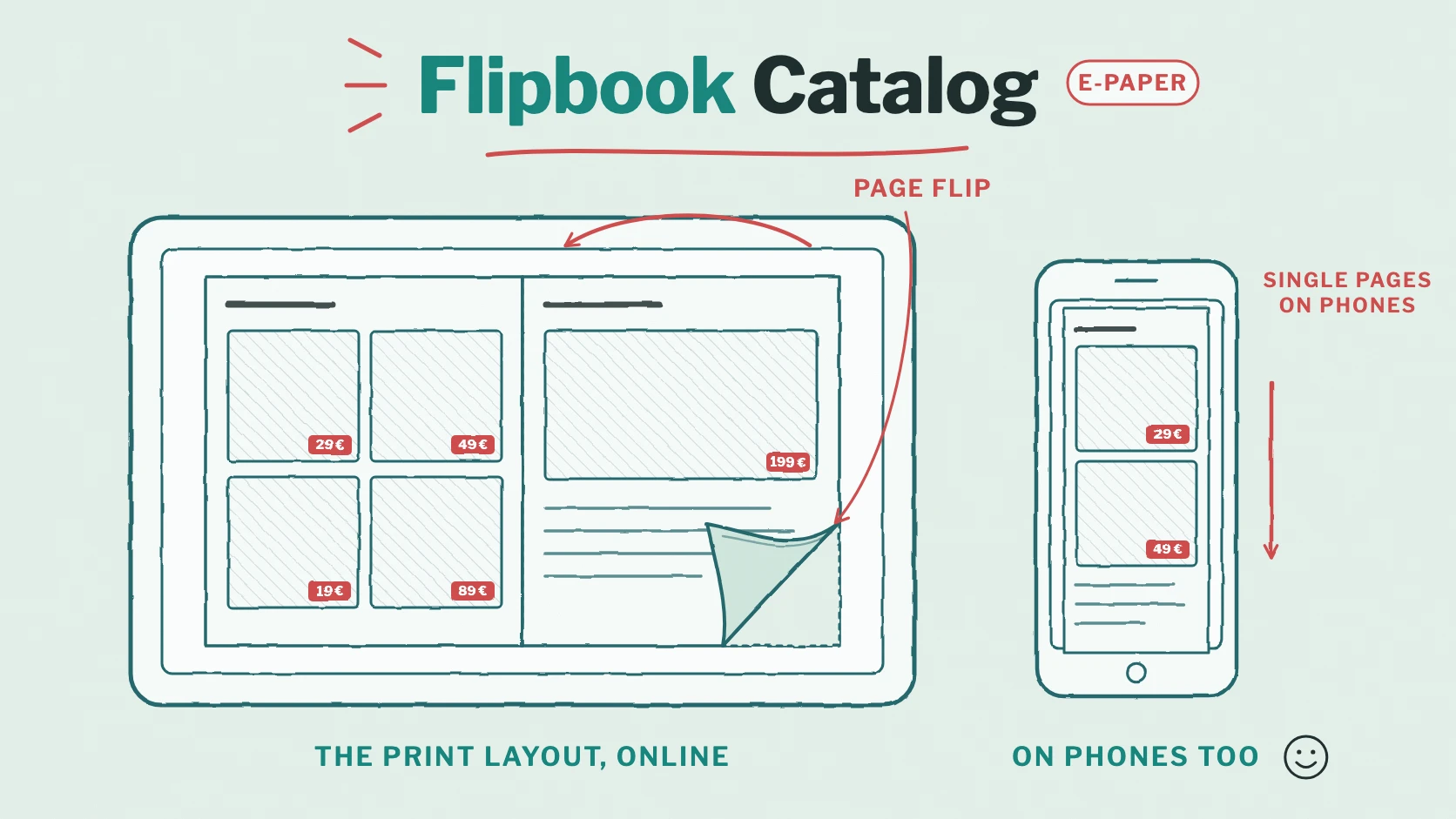
A flipbook catalog shows a catalogue or brochure online as double pages, the way it lies open on a desk, and turns the pages with an animation. An e-paper is the digital edition of a newspaper or magazine in its print layout. Both start from the same thing: the PDF that already exists for the printer. Nothing has to be rebuilt.
What a good online catalogue needs
- Sharp pages at every zoom level, so that prices, small print and photos stay legible.
- A realistic page flip on computers and tablets – the feeling of a printed catalogue.
- A layout that works on phones: on a narrow screen, double pages become too small. Single pages or scrolling work better there.
- Speed: the cover must appear at once, even if the catalogue has 150 pages.
- Links to your shop and to the next step, right from the catalogue page.
- One address per series, so that newsletters, QR codes and your website always lead to the current edition.
- No ads and no suggestions of other publishers’ documents next to your products.
Many flipbook viewers do the page flip well and stop there. The result looks nice on a large screen and annoys readers on their phone.
How Viewnamic shows your catalogue
In the Magazine view, Viewnamic shows your PDF as double pages: the cover on its own, then pages 2–3, 4–5 and so on. The pages turn with a realistic animation – with a click on the arrows, by dragging a page by its outer edge with the mouse or a finger, or with the keyboard. Readers who have reduced motion switched on see the next spread without the animation.
- Single pages on phones: when the screen is too narrow for two readable pages, the Magazine view shows one page at a time. Turn the phone, and the spreads come back.
- Other views when they fit better: readers can switch to the Scroll view, a grid of all pages or the Reading Mode, the text version for small screens.
- Zoom for the details: up to 400 percent, and a double tap enlarges the spot under the finger.
- Spreads in your PDF? If your print PDF already contains double pages, Viewnamic splits them into single pages during the upload, so the cover and the spreads come out right.
- Your file stays as it is: Viewnamic shows the original PDF – sharp text, exact colours, your typography.
A good example is the culture and city magazine Das HEFT, which publishes its issues in the Magazine view.
👉 Leaf through the current issue of Das HEFT
How to create a flipbook catalog from your PDF
- Export your catalogue as a PDF – the print PDF is fine.
- Upload it to the Viewnamic Workspace as a static PDF. It’s online within seconds.
- Choose the Magazine view as its start view: set the default viewer mode to “Magazine” or click the view icon on the project tile.
- Put it on your public page if everyone should find it, or keep it “Link only”.
- Share it: send the link, print it as a QR code or embed the catalogue on your website – with double pages where there is room and single pages on phones. How the embedding works is explained in our article on embedding a PDF on your website.
E-paper and recurring editions
Magazines, newspapers and seasonal catalogues appear again and again. Viewnamic is made for that:
- One link for every new issue: upload the new edition and move the existing link to it. The previous edition automatically gets an archive link. Everyone who saved, printed or shared your link now reads the current issue (Share the link to your PDF).
- Your public page as an archive: all editions on one page in your design, the newest first – and with a scheduled date, a new issue appears there on the day of publication.
- Collections such as “Spring 2027” or “Archive 2026” group your editions on the public page (Premium).
- Embeds that follow: a reusable embed on your website always shows the newest edition.
More than paper
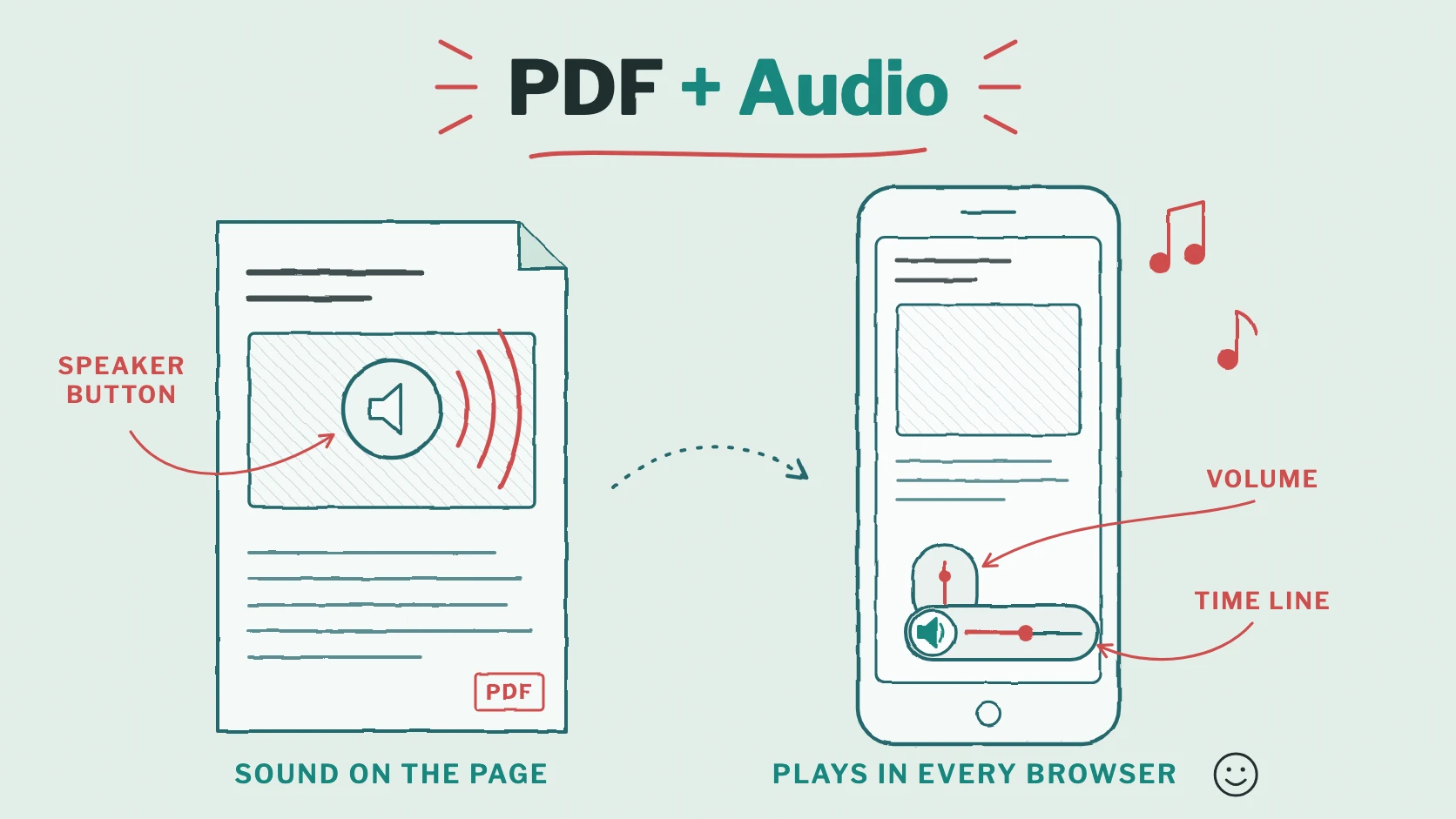
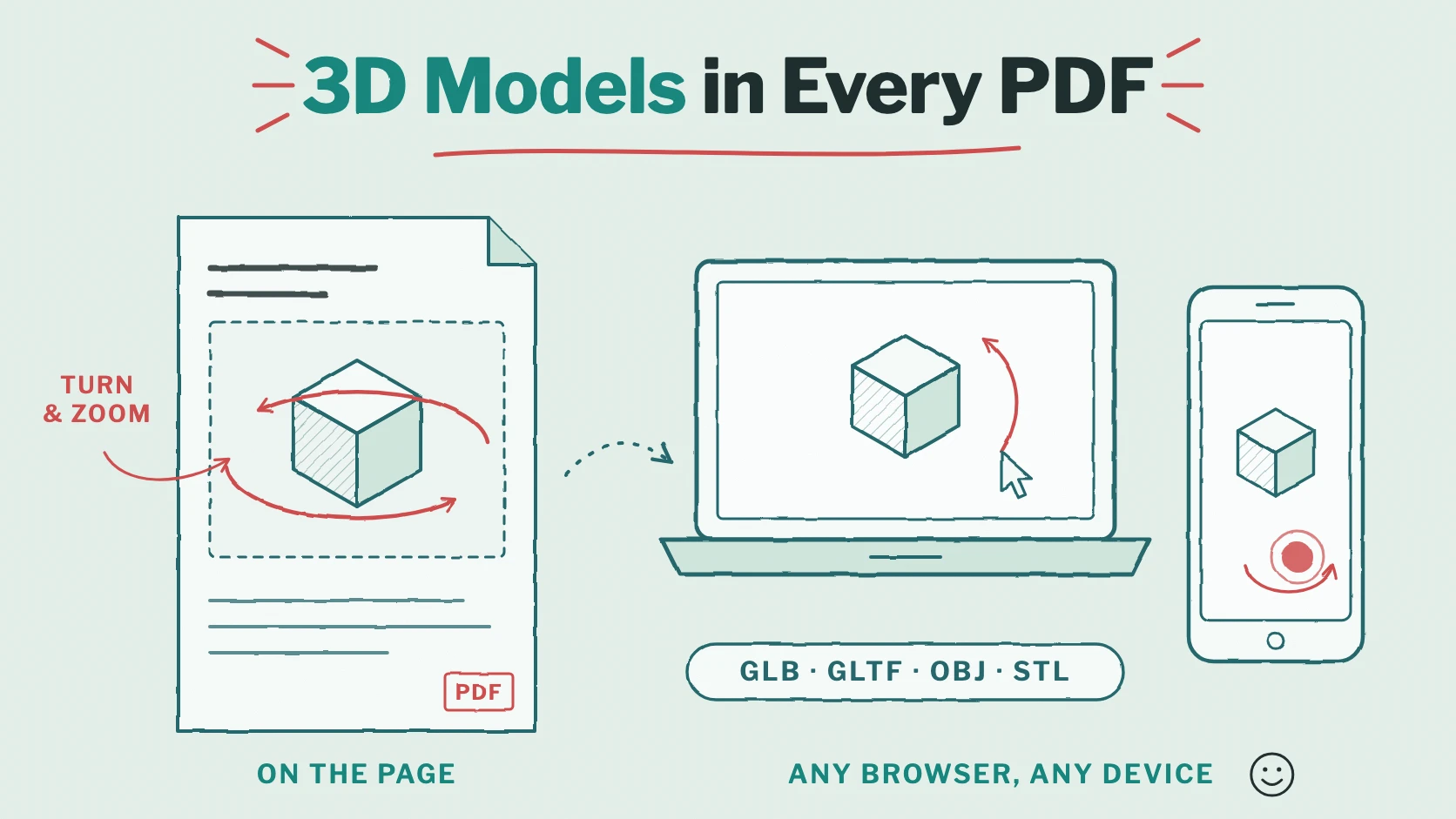
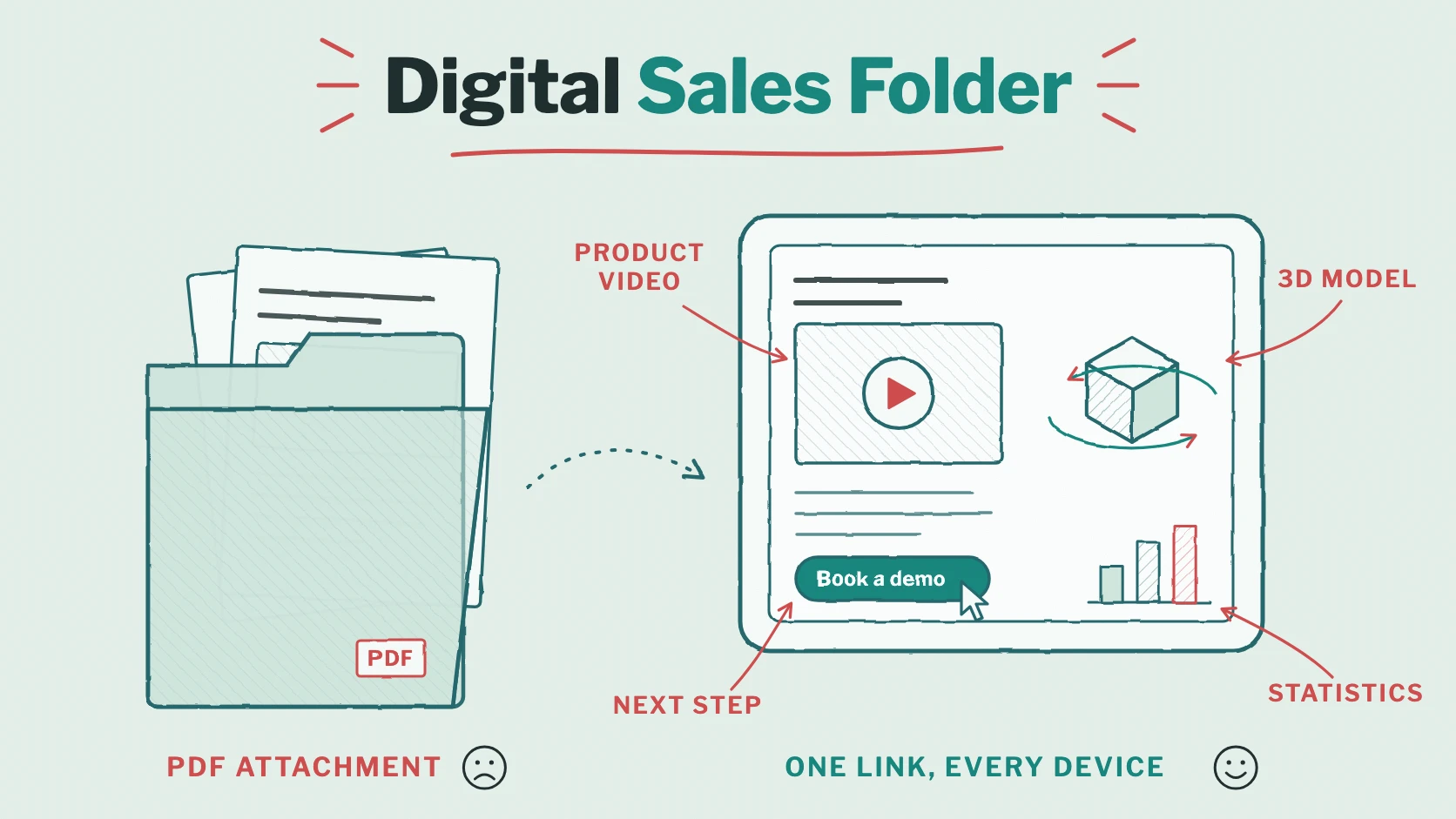
An online catalogue can do what print can’t: the links you set in your layout lead straight to your shop, and in plans with interactive content you add videos, 3D models, image galleries and further links right on the catalogue page. With statistics (Premium), you see how often each catalogue was opened and how long each double page was read – useful for your next edition and for your advertisers. More ideas on our page for catalogues and brochures.
Frequently asked questions
Does the page flip work on phones?
On a phone held upright, the Magazine view shows one page at a time, because two pages would be too small to read. Turned sideways, or on a tablet, the spreads and the page flip come back.
Which plans include the page flip?
The Magazine view as the start view, with the page-flip effect, is part of Publisher, Publisher Plus, Premium and the tailored plans. Publisher is made for catalogues and magazines without interactive content; Publisher Plus and Premium add videos and other content. See Pricing.
How many pages can my catalogue have?
With Publisher, up to 200 pages per PDF; Publisher Plus and Premium have no page limit.
Conclusion: your print layout, made for the screen
A flipbook catalog or e-paper gives your readers what they know from print – and adds what they expect online: fast pages, a view that works on phones, links to your shop and one address for every new edition. With Viewnamic, all of it starts from the PDF you already have.
Try it with your current catalogue: upload it without an account or compare the publishing plans on the pricing page.
Publish your PDFs with Viewnamic
Host, share and enhance your documents – with the Free plan, online for 30 days.