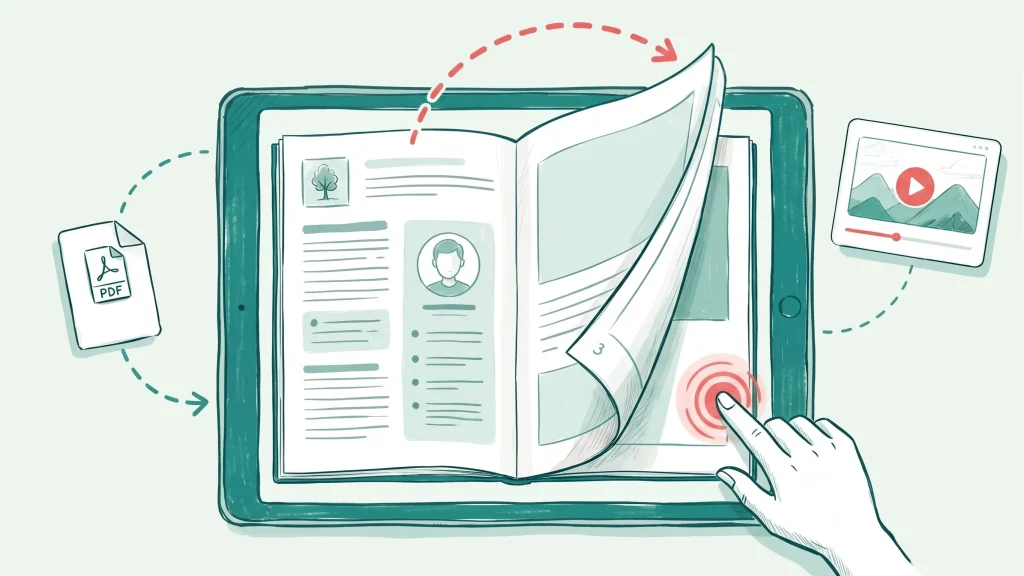
Magazines
Publish magazines, catalogues and recurring publications online with page-flip reading.

Use cases
Magazines, presentations, sales material, catalogs and guides: see how teams publish their PDFs with Viewnamic – and open real examples in the viewer.
By use case
Each page shows the typical problem, how Viewnamic solves it, real examples and the features behind it.
Publish magazines, catalogues and recurring publications online with page-flip reading.
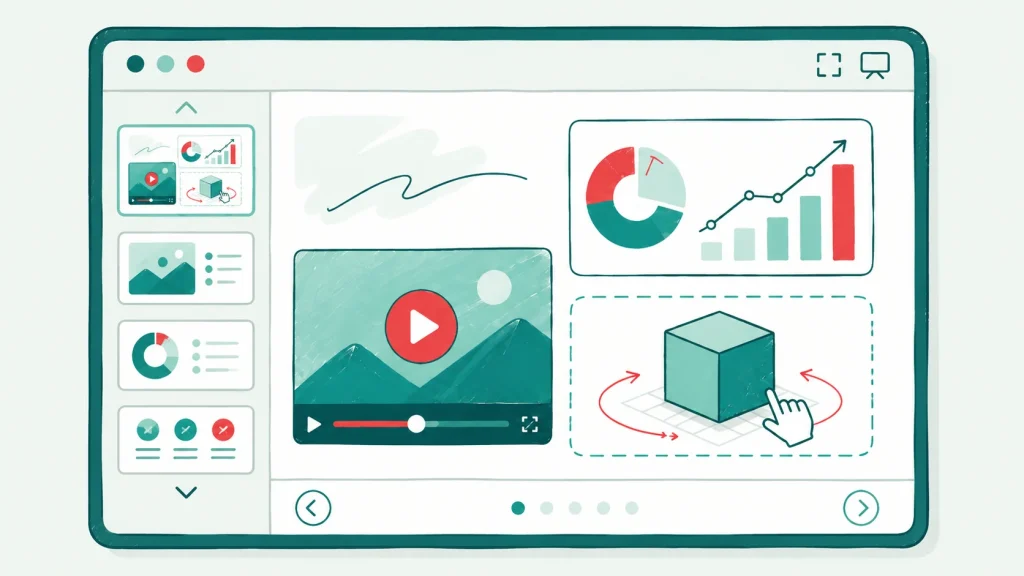
Keep videos in your PDF slides and present them in fullscreen from any browser.
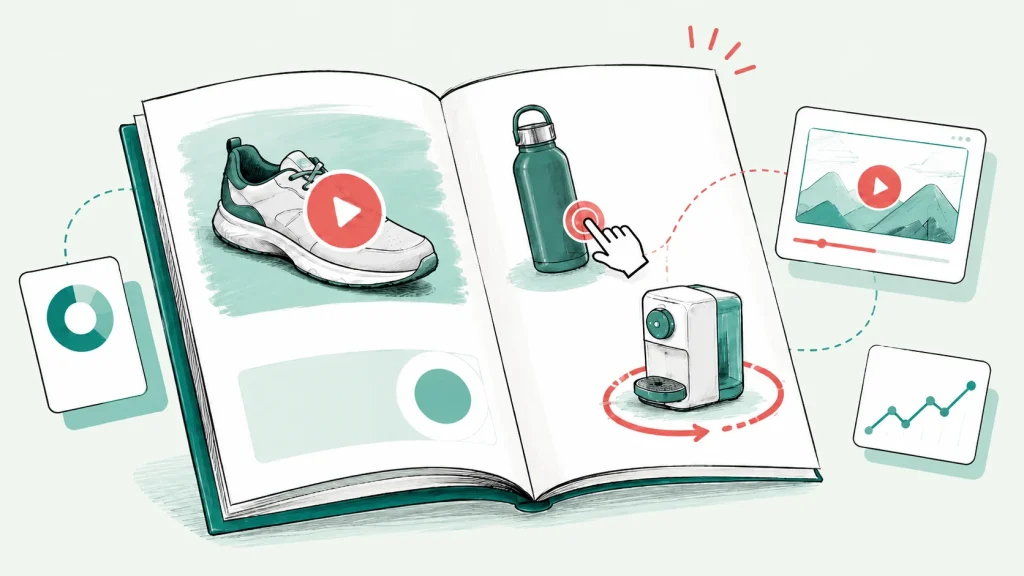
Sales folders, product brochures and pitch decks with product videos, 3D models and clickable variants – shared with one link.
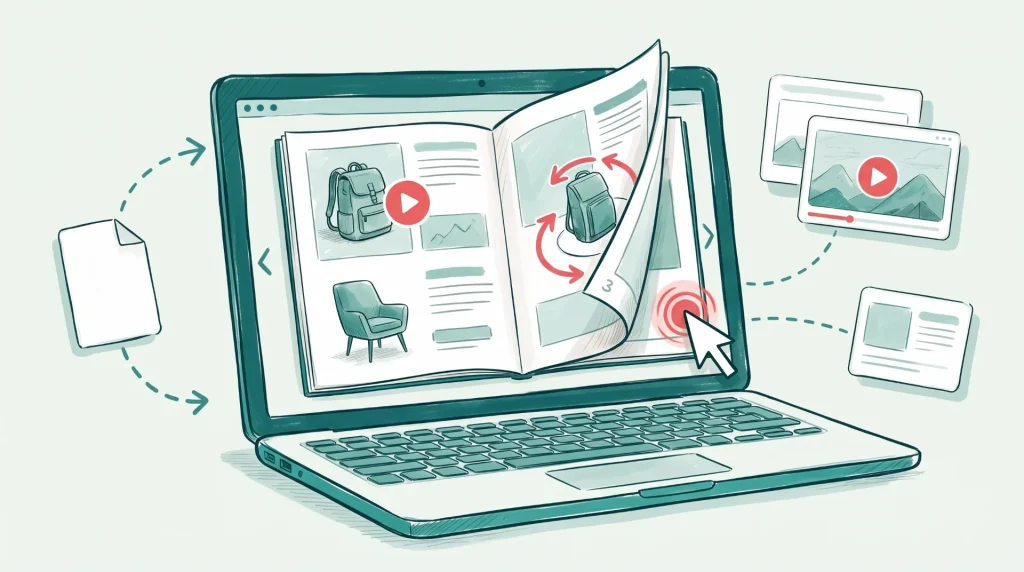
Catalogs, brochures and lookbooks with product videos, image slideshows and clickable links to your shop.
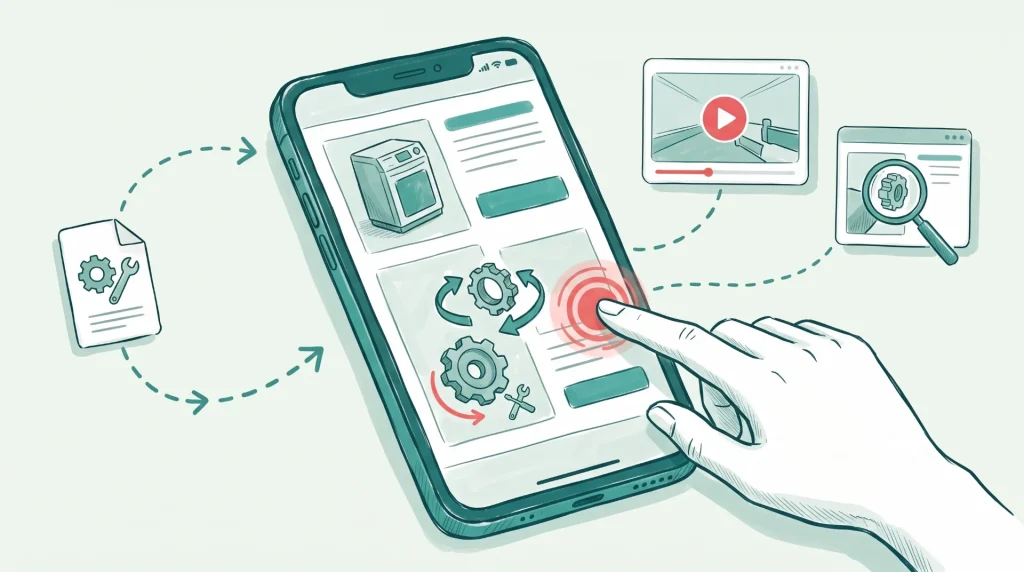
Travel guides, manuals and software guides with videos, clickable maps and click dummies.
Features
Every use case runs on the same building blocks: the viewer, optional interactive content, sharing, branding and analytics. Which of them are included depends on your plan.
FAQ
Yes. Every example on our use-case, industry and example pages is a real publication in the Viewnamic viewer. Open it in your browser, or try it right on the page of the matching use case.
Any PDF that benefits from media or a better reading experience: magazines, catalogues and brochures, sales folders and datasheets, real estate exposés, presentations and pitch decks, research papers and reports, manuals, portfolios and CVs.
No. Many customers simply host and publish regular PDFs – magazines, brochures, catalogues or reports – in the Viewnamic viewer and share them with a link. Depending on the plan, they also embed them on their website, use the page-flip magazine mode, show their own logo and colours in the viewer and see reader statistics. Videos, audio, 3D models and click dummies are optional extras.
Upload your PDF, choose the area where the video should appear and upload your video – that’s all it takes.
You decide how it plays: automatically as soon as it is visible, in a loop, with or without player controls. The video stays outside the PDF file, so the file stays as small as before.
No. Your original PDF stays unchanged and lightweight. Interactive content and its position are stored separately and displayed on top of the page inside the Viewnamic viewer.
No. Your publication opens in any modern browser via a link or an embed on your website – no downloads, plugins or accounts required.
Yes. Publications work smoothly on phones, tablets and desktops, including touch gestures and full-screen reading.
That depends on how many documents you publish and which features you need – the pricing page compares what each plan includes. If none of them fits, we put together a tailored plan.
Upload a PDF and share it in minutes – static or interactive. Free for 30 days.