The problem
Some things are hard to explain on paper
A route, a place or a workflow in a software is hard to follow from text and screenshots alone. Readers jump between the PDF, video platforms and websites – and many give up halfway.

Use case · Guides & manuals
Whether a travel guide or a software guide: add videos, clickable maps, click dummies and links to the PDF guides you already have – and readers find their way without leaving the document.
Live example
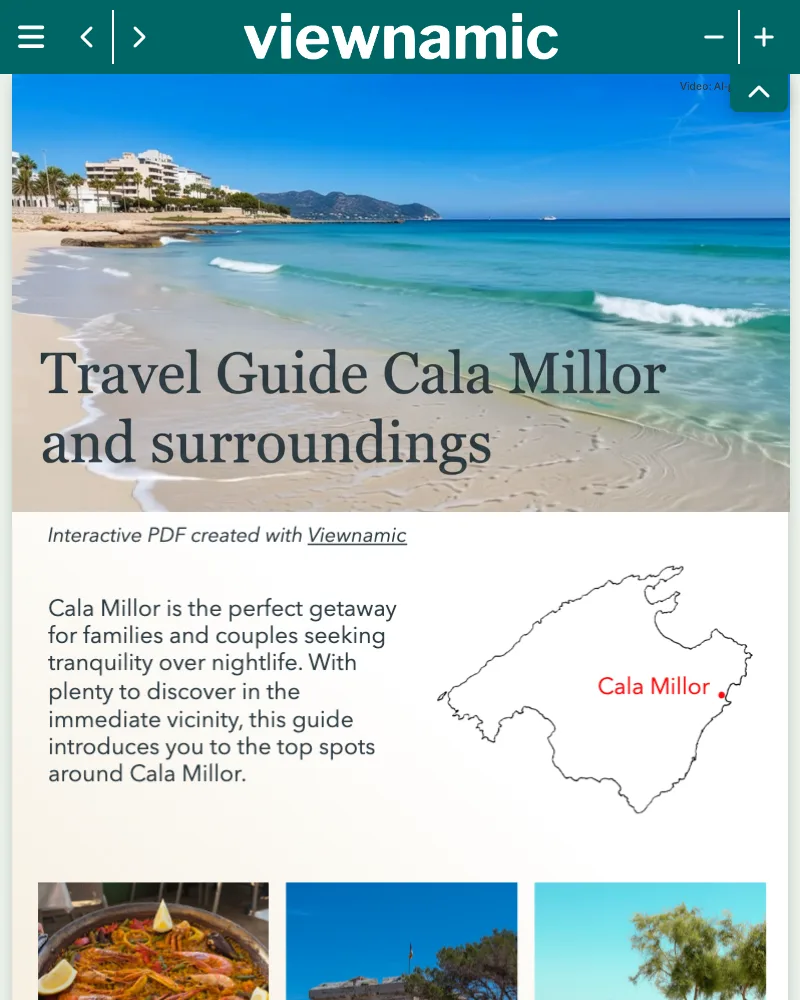
A travel guide with clickable maps: numbered markers along the route open details for every stop – without leaving the document.
Trusted by teams across industries










The problem
A route, a place or a workflow in a software is hard to follow from text and screenshots alone. Readers jump between the PDF, video platforms and websites – and many give up halfway.
The Viewnamic way
Viewnamic adds media exactly where readers need them. The guide stays one document they follow from start to finish.
Features
Put the explanation where the question comes up – on the page, on any device.
Screen recordings, how-to videos and short loops play right next to the step they explain.
Clickable maps and software screens: readers tap a marker or a button and see what happens next.
Turn any area into a link – to a booking, a download or your help centre.
Guides open in any browser on phones, tablets and computers – no app, no download.
Every guide has its own permanent link – print it as a QR code in the paper version.
A structured text version of every guide on the same URL – accessible and searchable.
How it works
No new design, no plugins, no special software for your readers.
Use the PDF you already have – a travel guide, a manual or a software guide.
Place videos, screen recordings, click dummies or links on the pages where readers need them.
Send the link, print it as a QR code or – depending on your plan – embed the guide on your website.
Branding
Show your logo and colours in the viewer and link to your website – readers always know who is guiding them.
Included in selected plans. Compare plans
Insights
Find out how long readers stay and which videos and click dummies are used most – and improve the next edition of your guide.
Without cookies, without storing IP addresses – deleted after 12 months.
Included in selected plans. Compare plans
Comparison
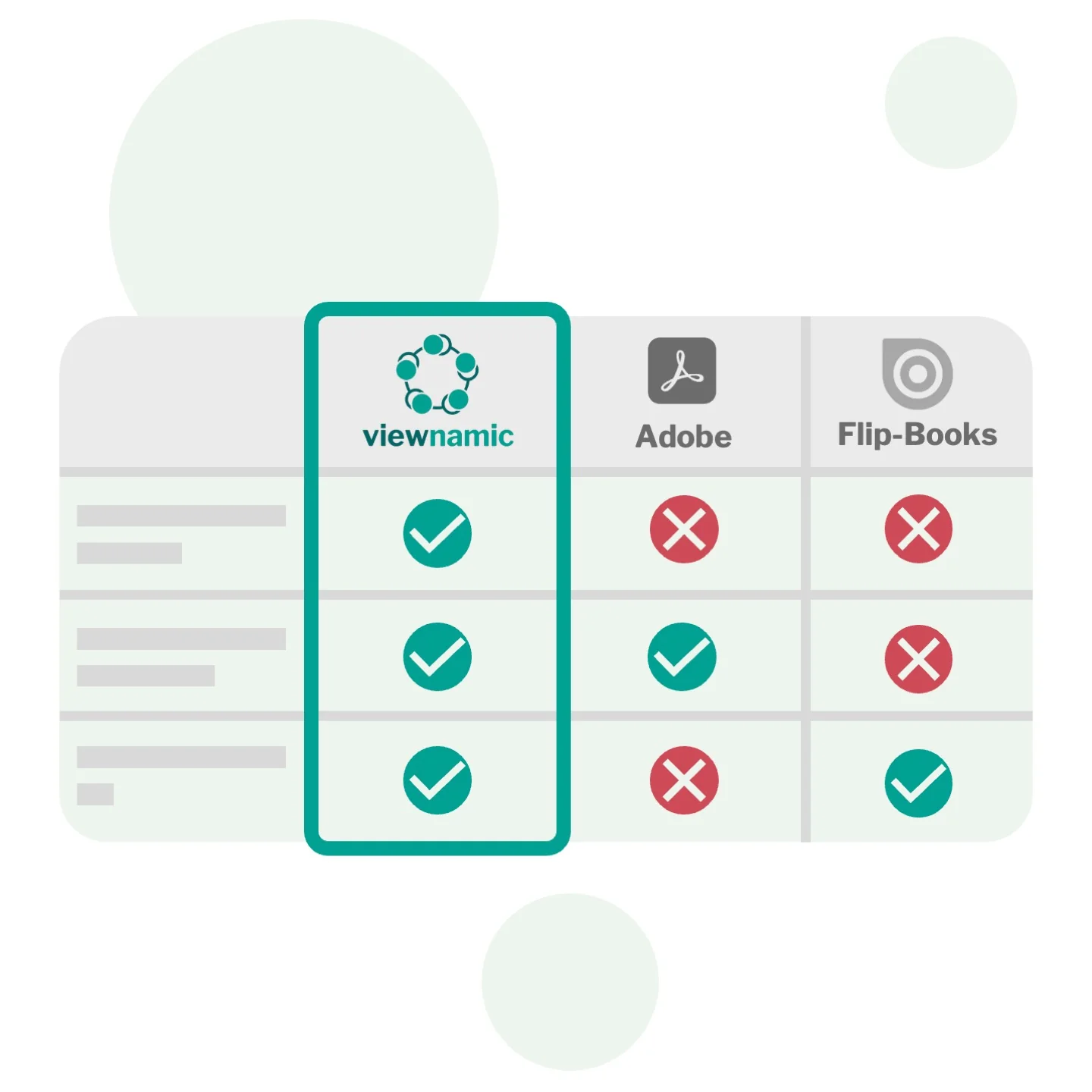
Viewnamic keeps your original PDF file size unchanged when adding videos – unlike Adobe, which embeds media directly into the file. And it offers a true PDF viewer that preserves layout and readability, while flipbook tools convert your document into their own format and usually offer only page-flip.
Real examples
Real guides in the Viewnamic viewer – from a travel guide to a rulebook with videos.

The rules for a padel tennis course of the university sports programme: seven pages in German with helpful videos. A QR code on the printed version leads to the interactive one – shown in the university’s own viewer colours.
Industries
Industries that publish Guides & Manuals with Viewnamic.
Blog

Learn what makes a great travel guide and how videos, 3D models and click dummies turn a static PDF into an engaging,…
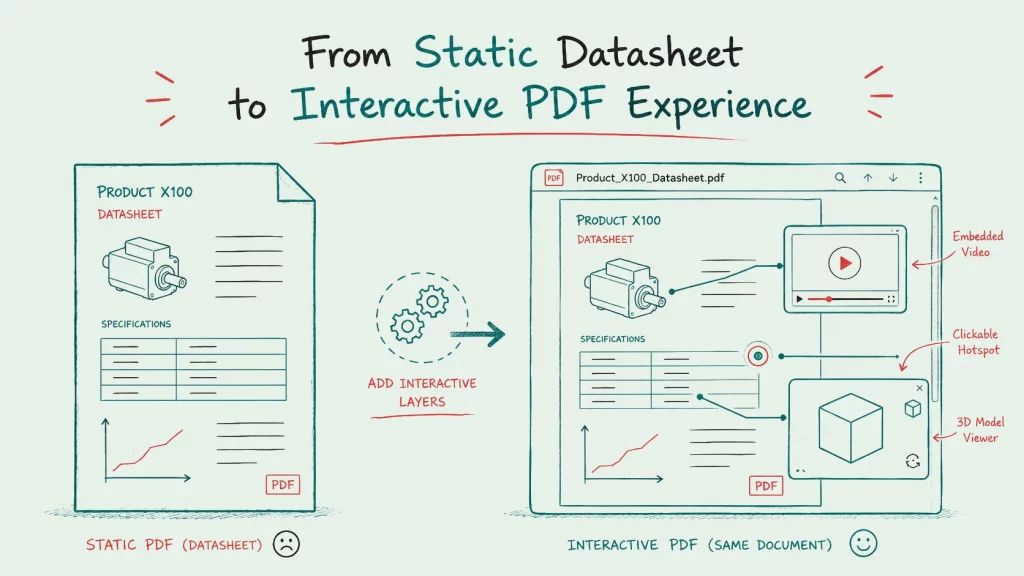
Static PDFs leave technical buyers guessing at dimensions and flood your inbox with questions. Discover how interactive datasheets integrate rotatable 3D models,…
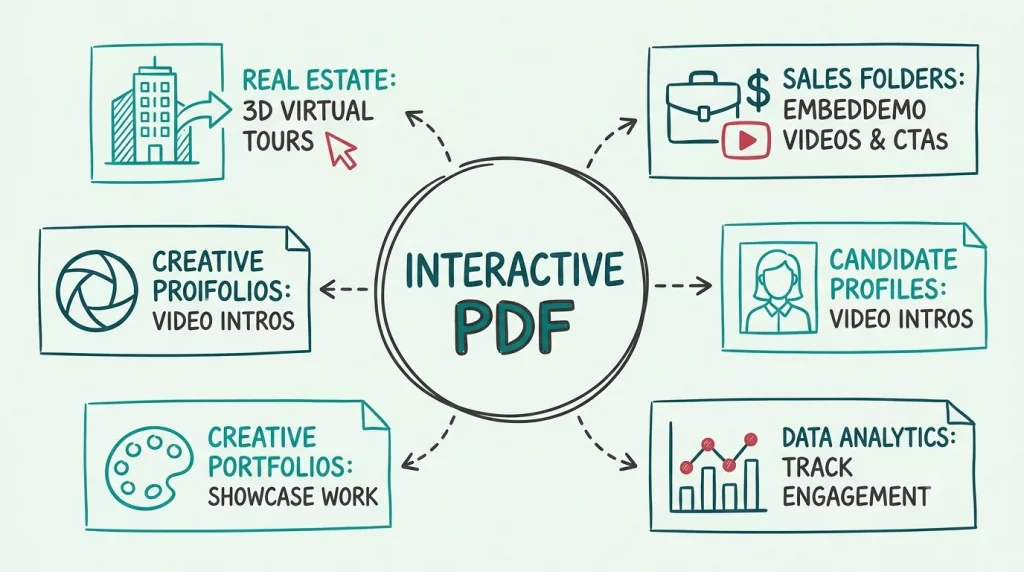
Discover 10 creative ways businesses are using interactive PDFs to boost engagement. From dynamic sales folders to immersive real estate exposés, learn…
FAQ
Any guide you have as a PDF: travel and city guides, hotel and guest guides, user manuals, software guides, onboarding and training guides.
Yes. Any rectangle on the page can be a link – for example a hotel photo to its booking page, a button to a download or a step to your help centre. Links open in a new tab or in the same tab.
Yes. Every publication has its own link, so you can print it as a QR code in your paper version – readers scan it and open the interactive guide in their browser.
Yes. Publications work smoothly on phones, tablets and desktops, including touch gestures and full-screen reading.
No. Your publication opens in any modern browser via a link or an embed on your website – no downloads, plugins or accounts required.
Upload your PDF, choose the area where the video should appear and upload your video – that’s all it takes.
You decide how it plays: automatically as soon as it is visible, in a loop, with or without player controls. The video stays outside the PDF file, so the file stays as small as before.
Upload a PDF, add your content and share the link – with the Free plan, online for 30 days.