Skip to content
Viewnamic – home

Use case · Catalogs & brochures

Catalogs and brochures that show more than a printed page

Product catalogs, image brochures, lookbooks and exposés: publish the PDF you already have with page-flip reading – and add product videos, 3D models and image slideshows where a photo is not enough.

  • 30 days free
  • Your PDF stays unchanged
  • Hosted in Germany

Live example

See it in a real document

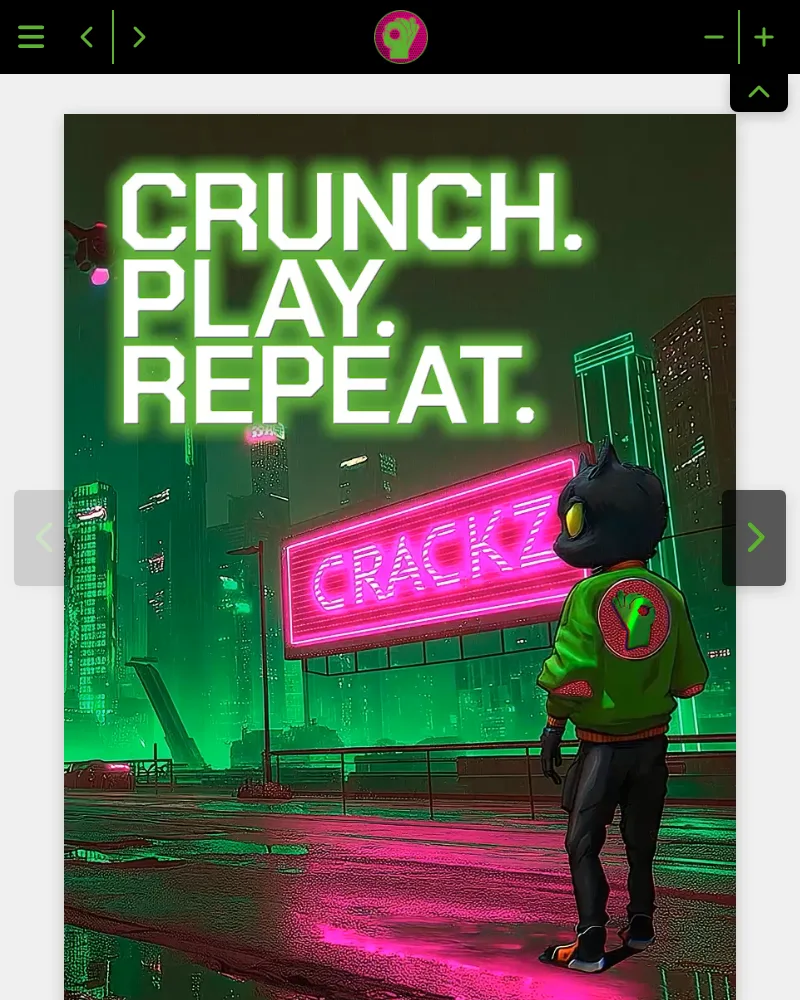
MBG Group turned the B2B sales folder of its snack brand CRACKZ into an interactive experience: product animations play right on the pages.

Preview of the live example: CRACKZ sales folder
Open the live example (opens in a new tab)

Opens the document from viewnamic.com

CRACKZ sales folder Sales folder · MBG Group Open in a new tab: CRACKZ sales folder

Trusted by teams across industries

  • Deutsche Bank Immobilien
  • MBG Group
  • Ecclesia Group
  • Spar- und Bauverein
  • Landesregierung NRW
  • Paderborn University
  • PalPrint
  • Wegener
  • Kran Immo Real Estate
  • Insurlab Germany
  • Braynpower
  • Solarmarkise
  • Jana Uthe Interior Design
  • MiaArtVenture
  • garage33
  • Hosted in Germany
  • GDPR-compliant
  • Privacy-friendly statistics
  • Protected access
More about privacy & security

The problem

Too big to send, too flat to impress

Catalogs and brochures are designed for print: dozens of pages, large images and no room for movement. As a download they are heavy and hard to read on a phone – and you never learn which products readers actually looked at.

The Viewnamic way

Your catalog as a fast online publication

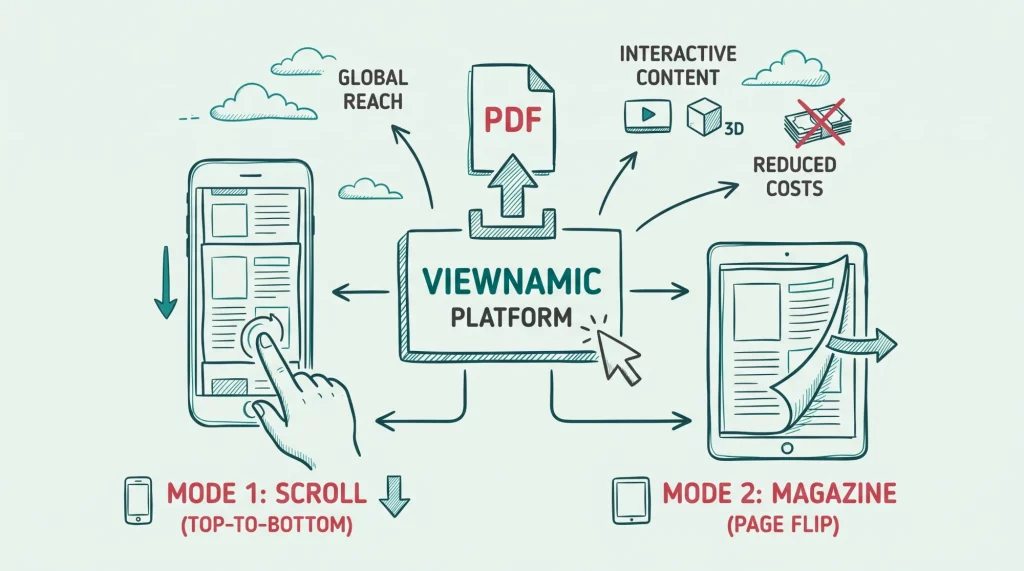
Viewnamic shows your catalog exactly as designed – as a page-flip magazine or a scrolling document – and lets you add media to the pages that need them.

  • Page-flip magazine mode or smooth scrolling (depending on your plan)
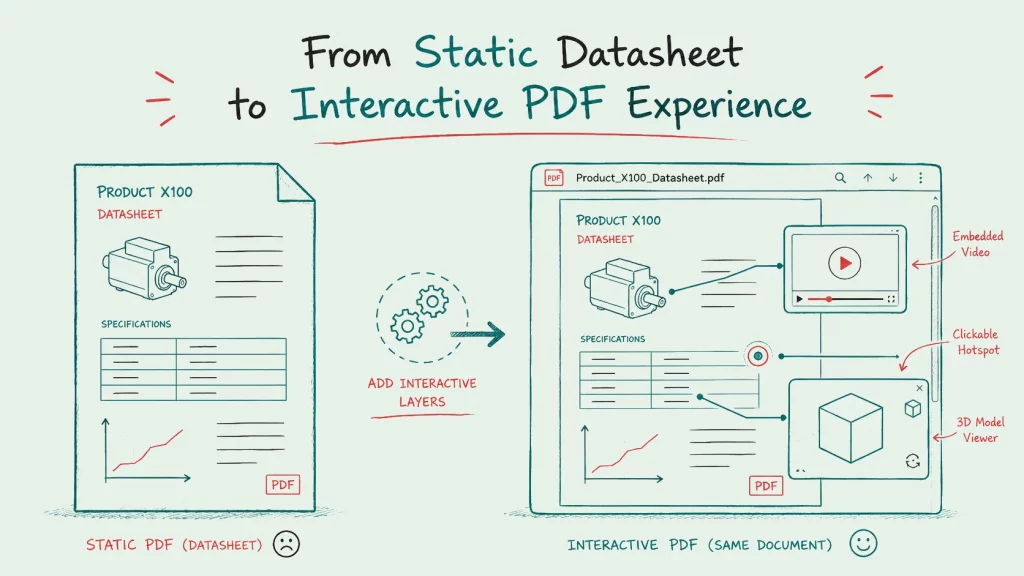
  • Product videos, 3D models and image slideshows right on the page
  • Links from every product to your shop
  • Embedding on your website and a public page with all your catalogs (depending on your plan)
  • Statistics on visits, reading time and downloads (depending on your plan)

Features

What makes your catalog stand out

Publish the catalog as it is – or bring single pages to life where a photo is not enough.

How it works

Set up in a few clicks

No new design, no plugins, no special software for your readers.

  1. Upload your catalog

    Use the print PDF – layout, fonts and images stay exactly as designed.

  2. Add media where it helps

    Place product videos, image slideshows, 3D models or shop links on the pages that need them – or publish the catalog as it is.

  3. Publish and share

    Share the link, embed the catalog on your website or list it on your public page – depending on your plan.

Branding

A catalog in your corporate design

Show your logo and colours in the viewer and link back to your website – so your catalog looks like part of your brand, not like a file on a third-party platform.

Included in selected plans. Compare plans

Illustration: a document viewer in your own colours, with your logo in the toolbar and a link to your website, set up in a small design panel.

Insights

See which products get attention

Find out how often each catalog is opened, which pages are read longest and how often videos and links are used – and plan the next edition with real numbers.

  • Visits & page views How often each publication and page is opened.
  • Reading time How long readers stay – per document and per page.
  • Media engagement Video plays, 3D interactions, click-dummy and link clicks.
  • Downloads See how often the original PDF was downloaded.

Without cookies, without storing IP addresses – deleted after 12 months.

Included in selected plans. Compare plans

Illustration with sample numbers: the statistics page of one publication shows its visits, the average active reading time and the downloads, a graph of the visits over the last 30 days and how often each video and 3D model was viewed – measured without cookies and without storing IP addresses.

Comparison

How Viewnamic differs from traditional PDF tools

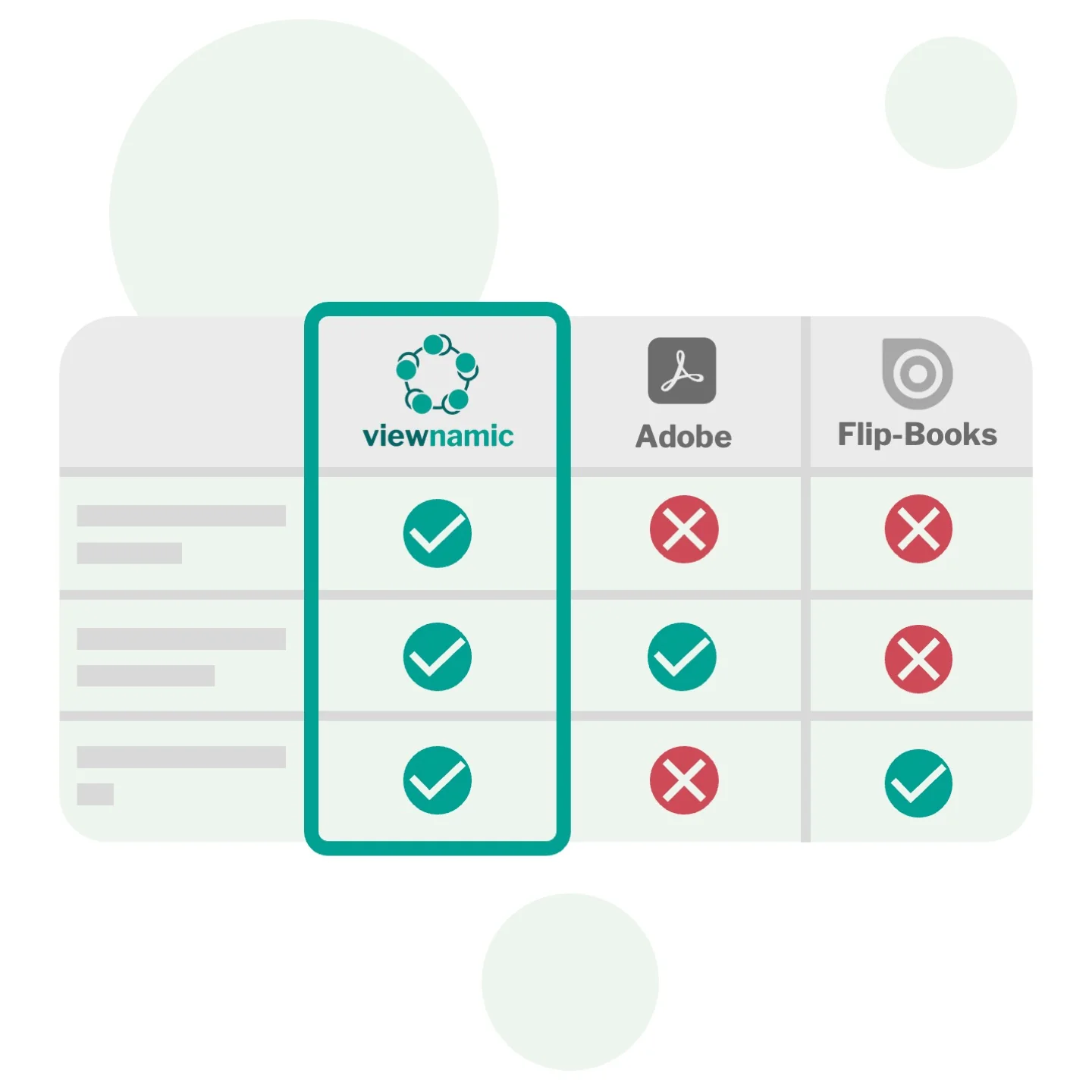
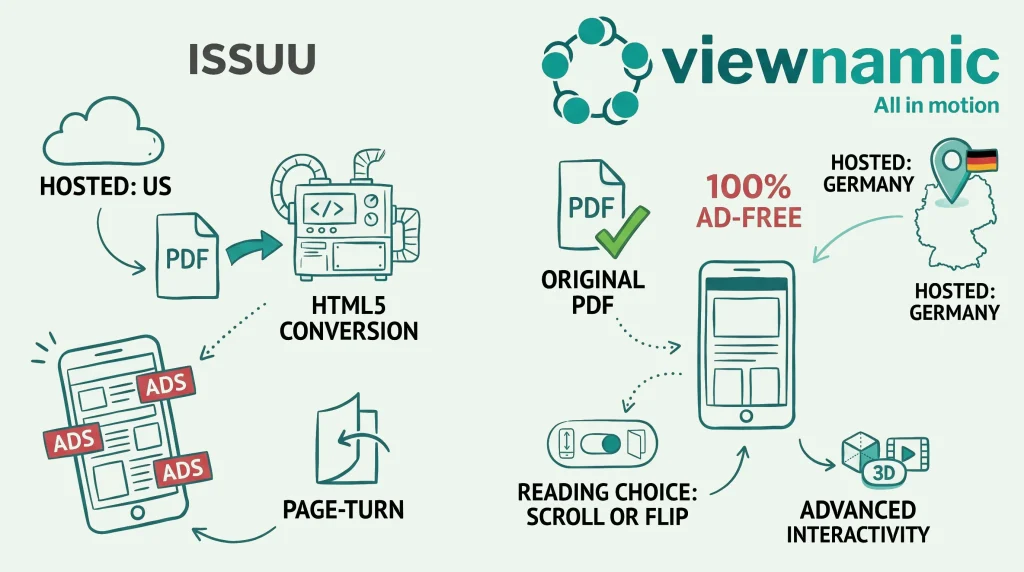
Viewnamic keeps your original PDF file size unchanged when adding videos – unlike Adobe, which embeds media directly into the file. And it offers a true PDF viewer that preserves layout and readability, while flipbook tools convert your document into their own format and usually offer only page-flip.

Adobe rich media
Media is embedded into the file: the PDF becomes huge and plays only in a few readers.
Flipbook tools
The document is converted into the tool’s own format, usually page-flip only; videos often open as YouTube links in an overlay, and 3D models or click dummies are usually missing.
Viewnamic
The original PDF stays unchanged and small; your own videos and other media play right on the page – in magazine, scroll or presentation mode and in every browser.

Comparison of Viewnamic with Adobe PDF rich media and flipbook tools: Viewnamic keeps the original PDF unchanged, works in every browser and supports videos, 3D models and analytics.

Real examples

More catalogs and brochures

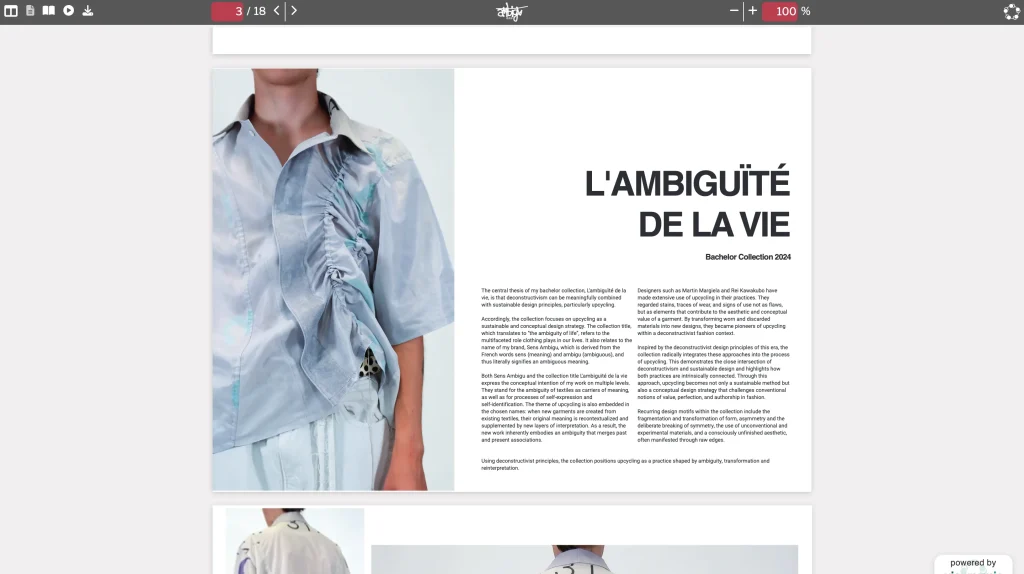
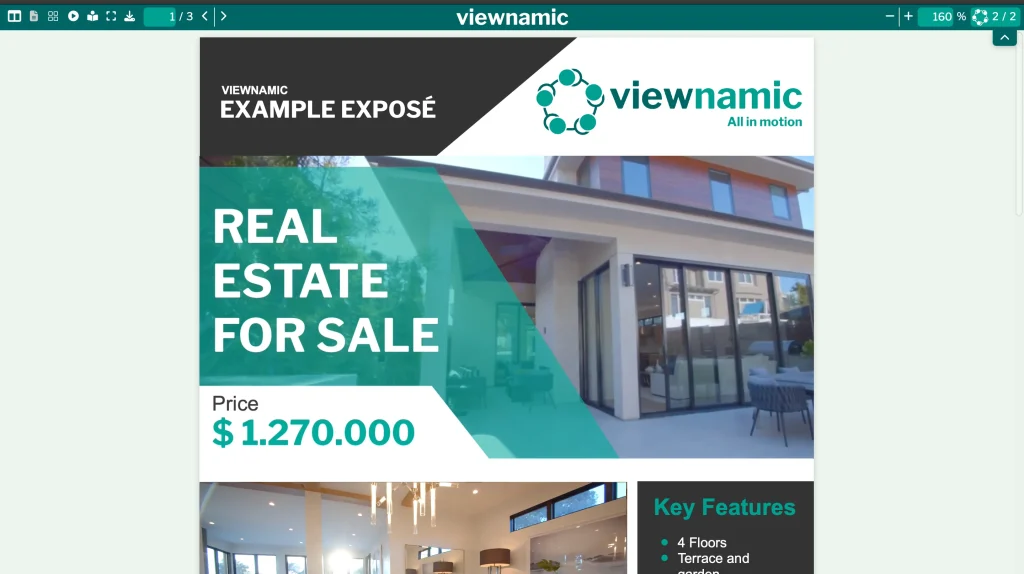
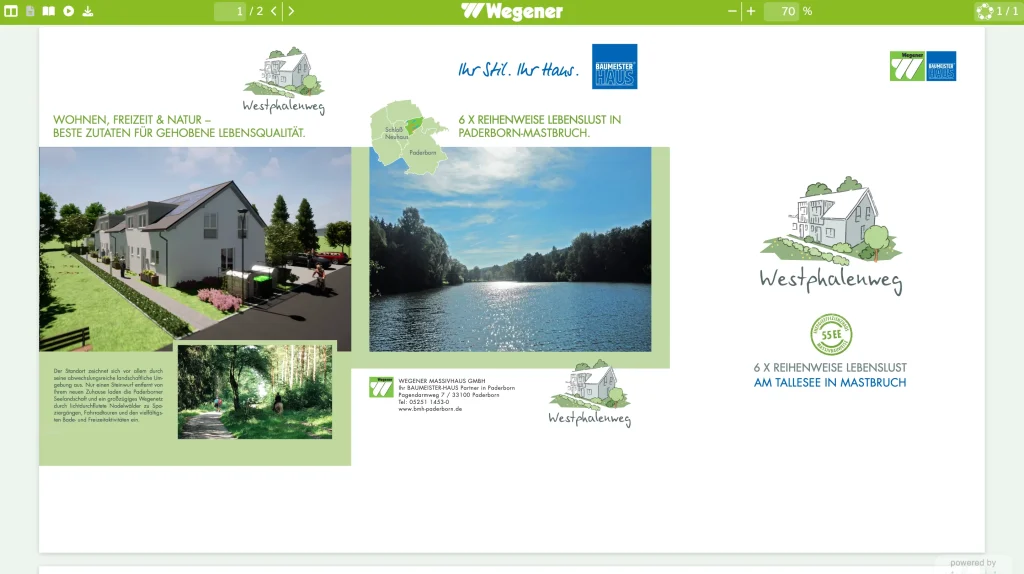
Real catalogs, brochures and exposés published with Viewnamic – open them exactly as your readers would.

Industries

Related industries

Industries that publish Catalogs & Brochures with Viewnamic.

Blog

Further reading

FAQ

Frequently asked questions

Can I publish a catalog without adding interactive content?

Yes. Upload the print PDF and publish it as it is – depending on your plan with page-flip reading, a public page and embedding on your website. You can add videos, slideshows or links to single pages at any time later.

Does the catalog get bigger when I add videos?

No. Videos and other media are stored separately and shown on top of the page in the Viewnamic viewer. Your PDF stays exactly as small as before.

Can I link products to my online shop?

Yes. Any rectangle on the page can be a link – for example a product photo to its page in your shop or a button to your request form. Depending on your plan, you also see how often each link was clicked.

Can readers download the catalog?

You decide. Depending on your plan, readers can download the original PDF – for example to print it – or the catalog stays online only.

Do readers need special software or an account?

No. Your publication opens in any modern browser via a link or an embed on your website – no downloads, plugins or accounts required.

Does Viewnamic work on mobile devices?

Yes. Publications work smoothly on phones, tablets and desktops, including touch gestures and full-screen reading.

Is Viewnamic GDPR-compliant?

Yes. Viewnamic is developed in Germany, runs on servers in German data centres and processes personal data in line with the GDPR. We provide a data processing agreement (DPA), collect reader statistics without cookies and without storing IP addresses, and delete them automatically after 12 months.

Newsletter

Get product updates and publishing tips

New features, examples and ideas for better digital documents – a few times a year, no spam.

Publish your next catalog online

Upload a PDF, add your content and share the link – free for 30 days.