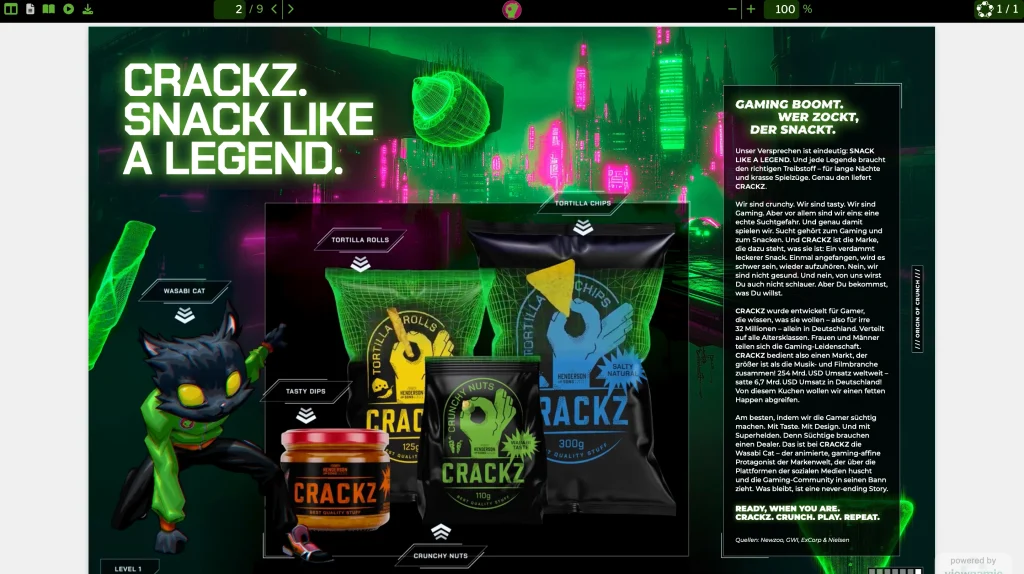
CRACKZ sales folder
MBG Group turned the B2B sales folder of its snack brand CRACKZ into an interactive experience: product animations play right on the pages.

PDF publishing platform
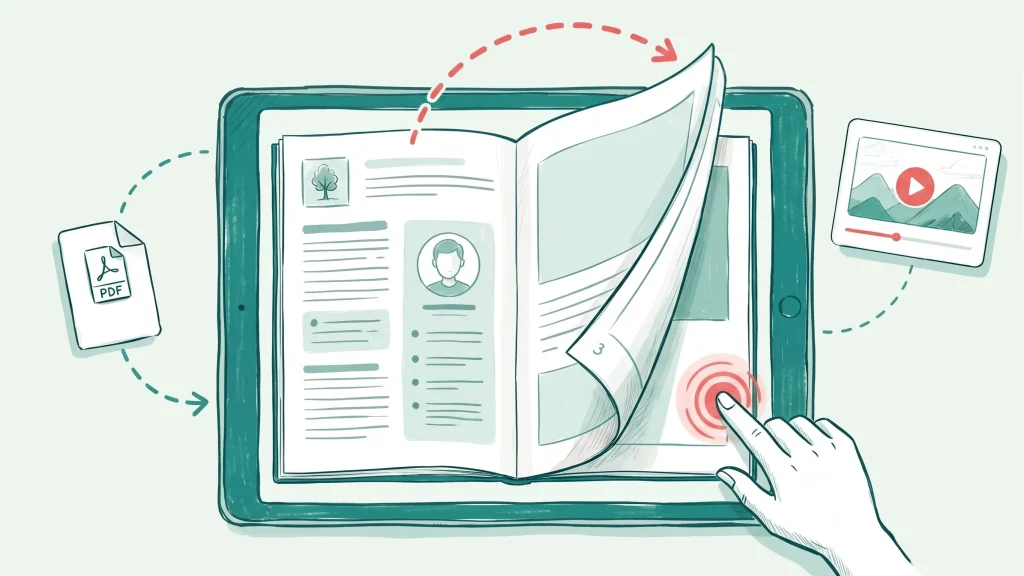
Publish magazines, sales materials and guides online and turn static PDFs into engaging reading experiences. Add videos, audio, 3D models and interactive content right on the page – your original PDF stays unchanged.
By uploading, you accept the Terms of Service and acknowledge the Privacy Policy. Your PDF is stored on servers in Germany.
Try it free – no sign-up
Up to 200 pages. Your original file stays unchanged.
The editor opens right away: place up to three videos, audio files, 3D models, click dummies or image slideshows on the pages – and as many links as you like.
Save, and your PDF opens in the viewer: as a magazine with page flip, a scrolling document or a presentation – on your computer or your phone.
Like it? Create an account and choose a plan to publish it and share the link.
Examples
Open a real publication – exactly as your readers see it, on any device.
MBG Group turned the B2B sales folder of its snack brand CRACKZ into an interactive experience: product animations play right on the pages.
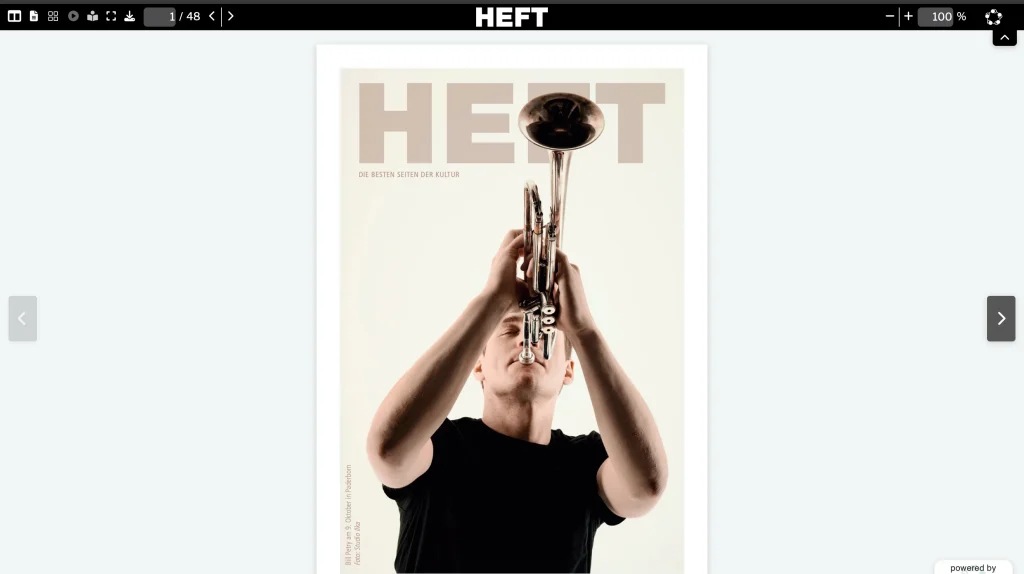
A culture and city magazine published online in magazine mode – page-flip reading without ads, no interactive content needed.
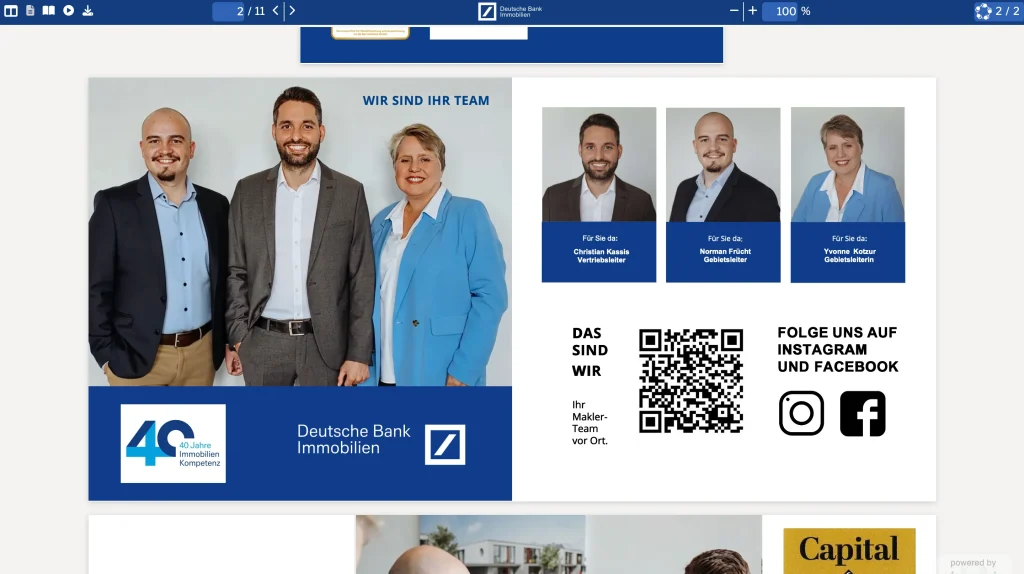
An image brochure for Deutsche Bank Immobilien with embedded videos, shared with a single link.
Trusted by teams across industries











One platform, two ways to publish
Most customers start by simply publishing their documents. Interactive content is always optional and can be added later.
Upload the PDF you already have and publish it online in seconds – perfect for magazines, catalogues, brochures and reports. No interactive content required.
Bring pages to life: place videos, audio, 3D models, click dummies, slideshows and links directly on your PDF – layered on top in the viewer, without touching the original file.
How it works
Upload the PDF you already have, add videos or other media to any page if you like and share it with a link – your readers only need a browser.
Start with the PDF you already have – magazine, brochure, report or slides.
Optionally place videos, audio, 3D models, slideshows, click dummies or links on any page.
Share a link – and, depending on your plan, embed it on your website, list it on your public page or share it securely.
With reader statistics (depending on your plan): see visits, reading time, downloads and media engagement.
Product tour
Keep the PDF you already have. Viewnamic takes care of how it looks, how it reads and who gets to see it.
Interactive
Place videos, audio, 3D models, slideshows or click dummies directly on your PDF pages: mark the area and upload your file. Videos can start as soon as they are visible and play in a loop.
Reading
Readers flip through a magazine with realistic page turns, scroll through a report or present in full screen – on any device, without an app.
Brand
Match the viewer and your public publication page to your corporate design – with your colours, your logo and a link to your website.
Share
Every publication gets its own link that readers open in any browser – no download, no plugin. Depending on your plan, you also embed it on your website or send confidential documents as recipient-specific secure links.
Features
From the first upload to the last page view – with the features professional publishing needs.
Videos, audio, 3D models, click dummies, slideshows and links on your PDF pages.
Magazine page-flip, scroll, presentation and reading mode – on every device.
Links, website embeds, a public publication page and secure sharing.
Your logo and colours around every document and on your public page.
Views, reading time, downloads and media engagement – without cookies.
Hosted in Germany, GDPR-compliant.
Use cases
What would you like to create? See how Viewnamic works for your documents – with real examples.
Publish magazines, catalogues and recurring publications online with page-flip reading.
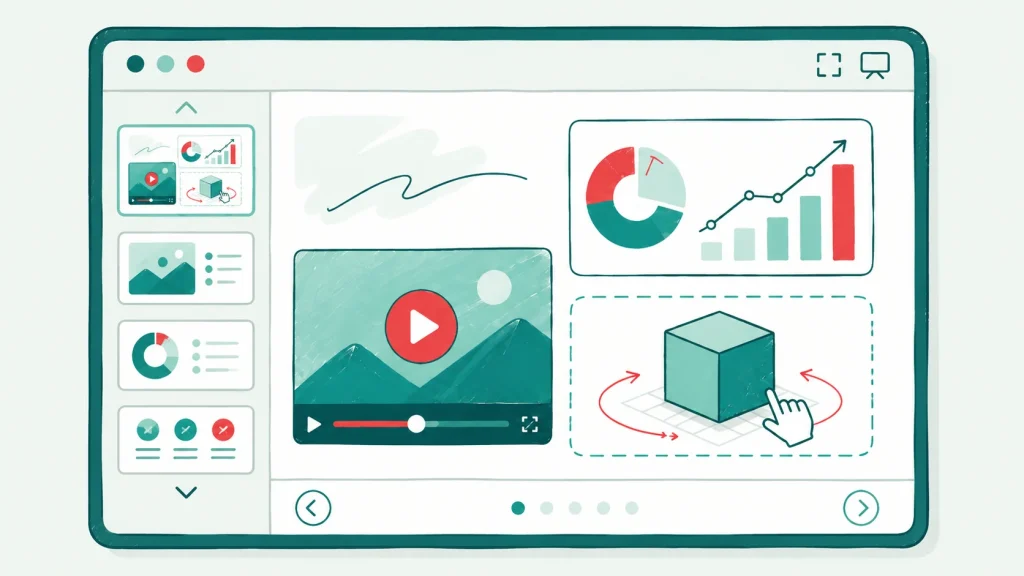
Keep videos in your PDF slides and present them in fullscreen from any browser.
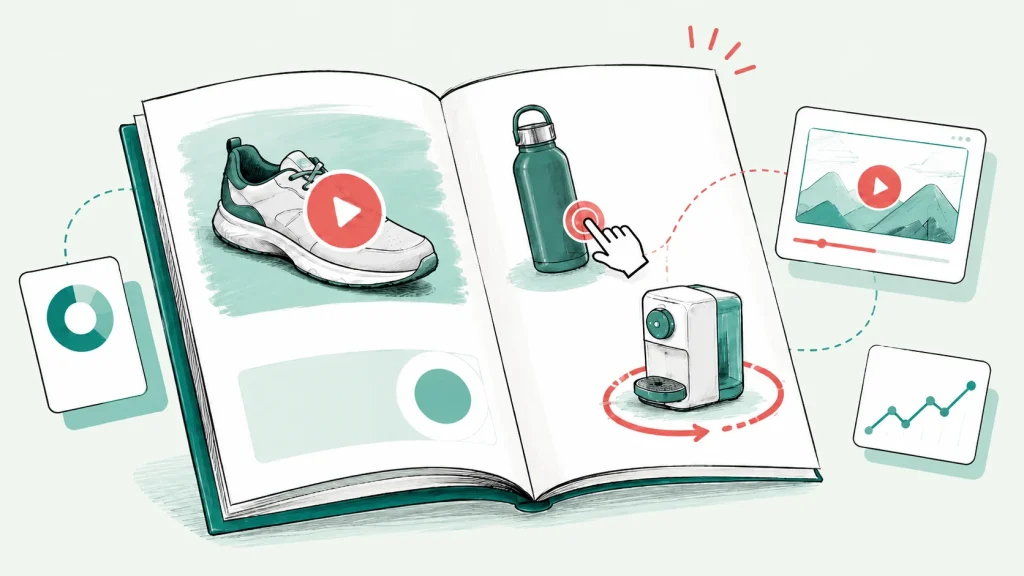
Sales folders, product brochures and pitch decks with product videos, 3D models and clickable variants – shared with one link.
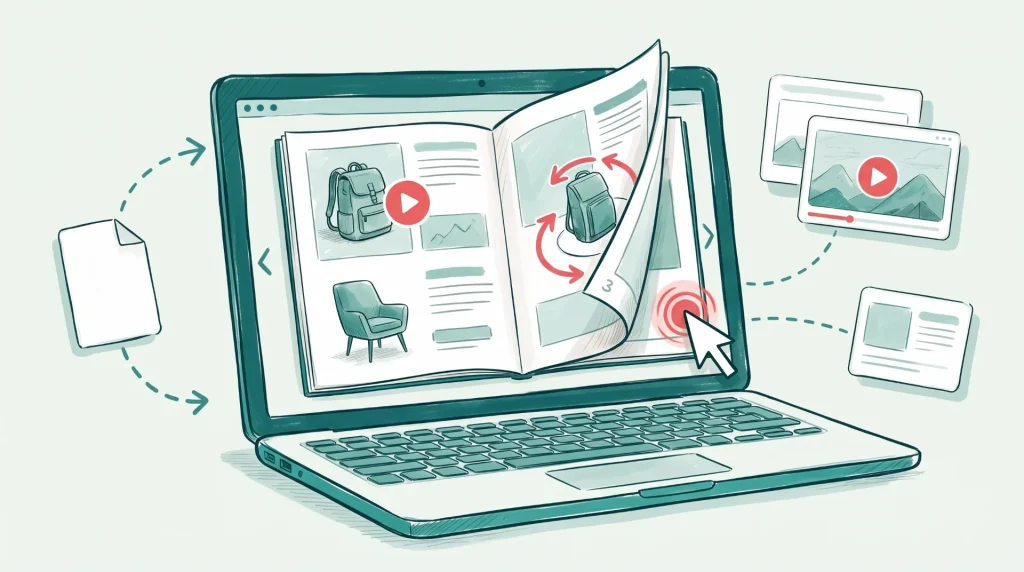
Catalogs, brochures and lookbooks with product videos, image slideshows and clickable links to your shop.
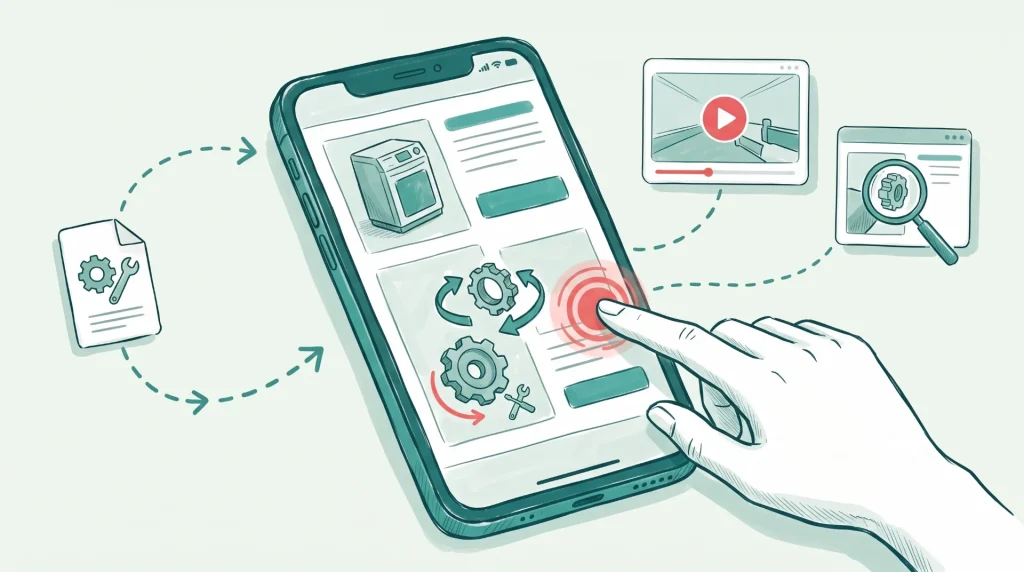
Travel guides, manuals and software guides with videos, clickable maps and click dummies.
Industries
See how Viewnamic can be used in your field.
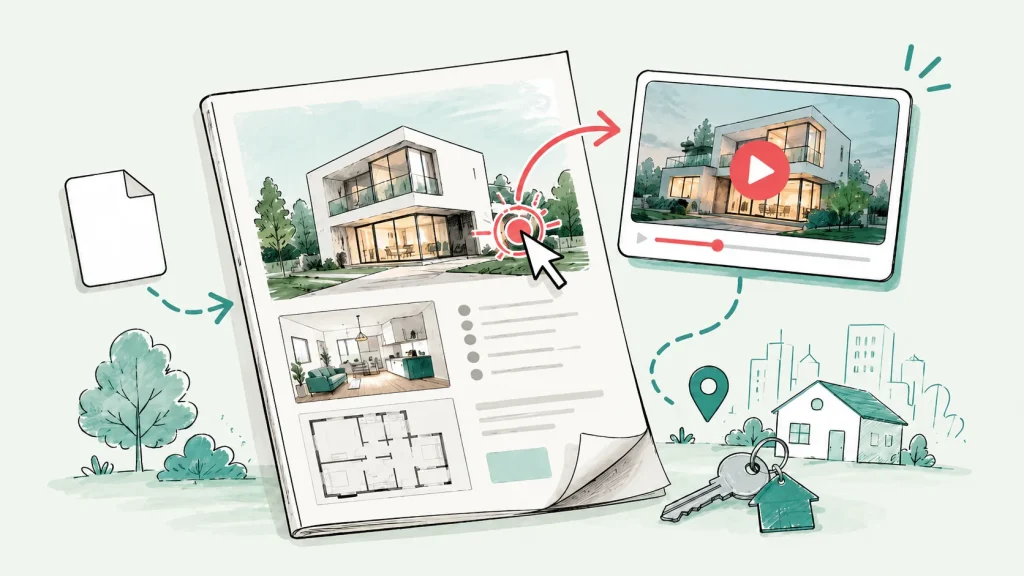
Exposés and brochures that show properties in motion – with property videos, tours and image slideshows.

Research papers, course material and reports with videos of experiments, animations and 3D models.
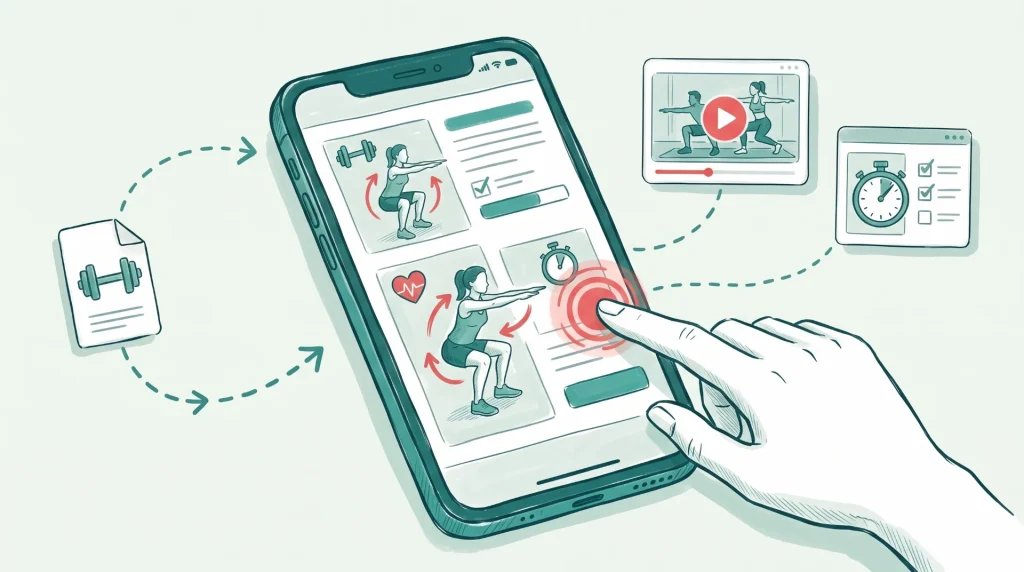
Rulebooks, training plans and club magazines with videos that show every move.
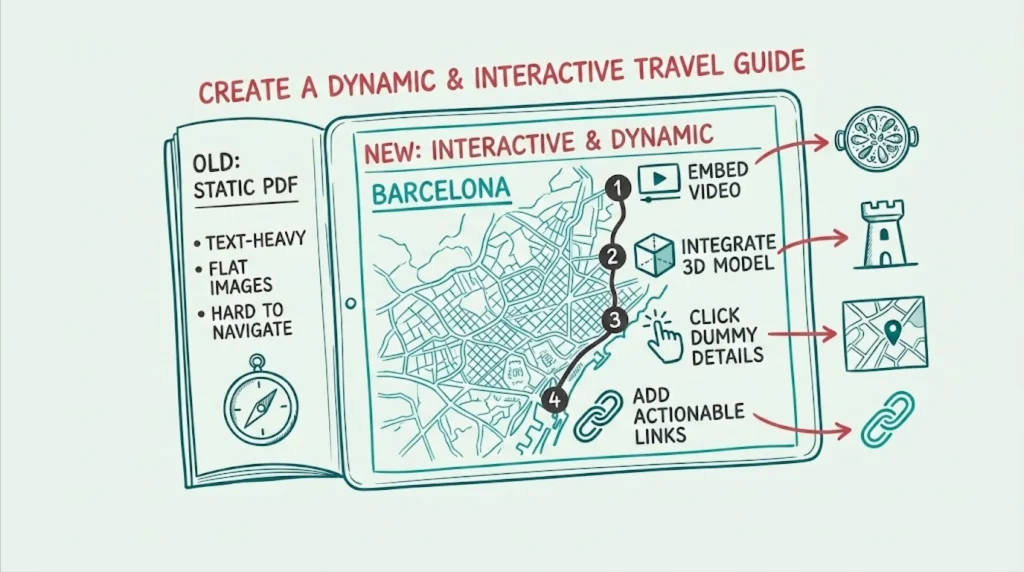
Travel guides and hotel brochures with clickable maps, videos of the destination and links to bookings.
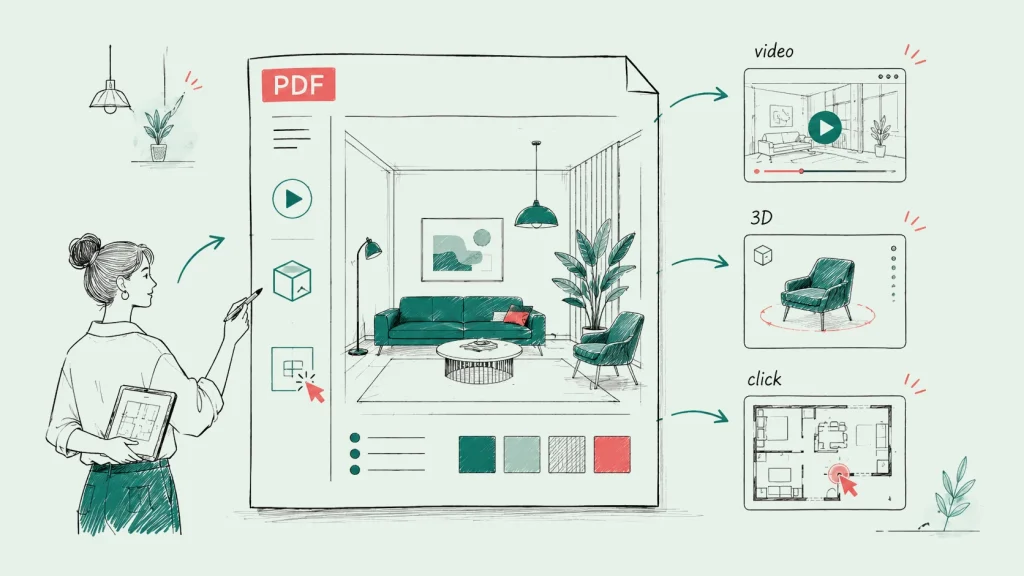
Portfolios and design concepts with videos, 3D models and image slideshows that convey space, materials and atmosphere.
Why Viewnamic
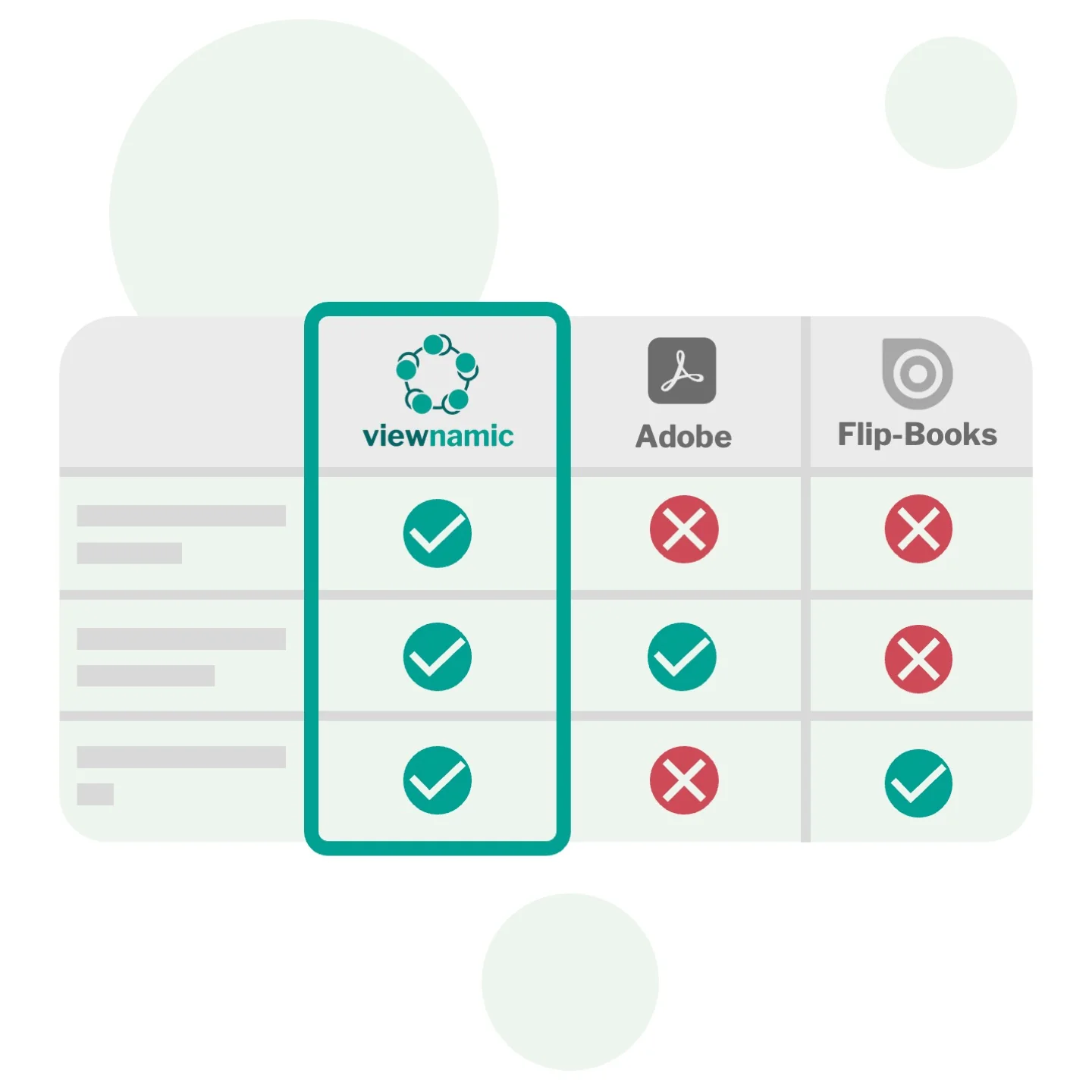
Adobe embeds media into the PDF file itself – the file becomes huge and the media only play in a few readers. Flipbook tools convert your layout and often show videos as YouTube links in an overlay, where ads can play first. Viewnamic keeps your original PDF unchanged and plays your own video files exactly on the page – with autoplay, loop and player controls, in every browser.
Privacy & security
Developed in Paderborn, running on servers in Germany: your documents and the data of your readers are in safe hands.
Website, app, database and all your files run on IONOS servers in German data centres – your PDFs and media are stored in Frankfurt.
We process data in line with the GDPR and provide a data processing agreement (DPA). We only collect what the service really needs.
Reader statistics work without cookies and without storing IP addresses, respect Do Not Track and are deleted after 12 months.
Your files are kept in private storage and opened through time-limited links – with a password or one-time code if you wish. No ads, no third-party trackers.
Case study
The MBG Group owns food and beverage brands such as Effect Energy, Salitos and Morelli. For its brand CRACKZ we turned a static PDF sales folder into an interactive experience with product animations – shared with retail partners as a single link.
Blog
Practical guides on interactive PDFs, digital magazines and documents that sell.
How-To
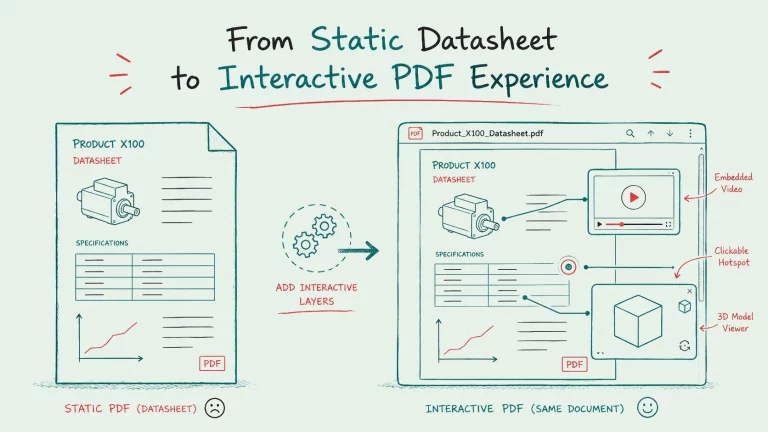
Static PDFs leave technical buyers guessing at dimensions and flood your inbox with questions. Discover how interactive datasheets integrate rotatable 3D models,…
How-To
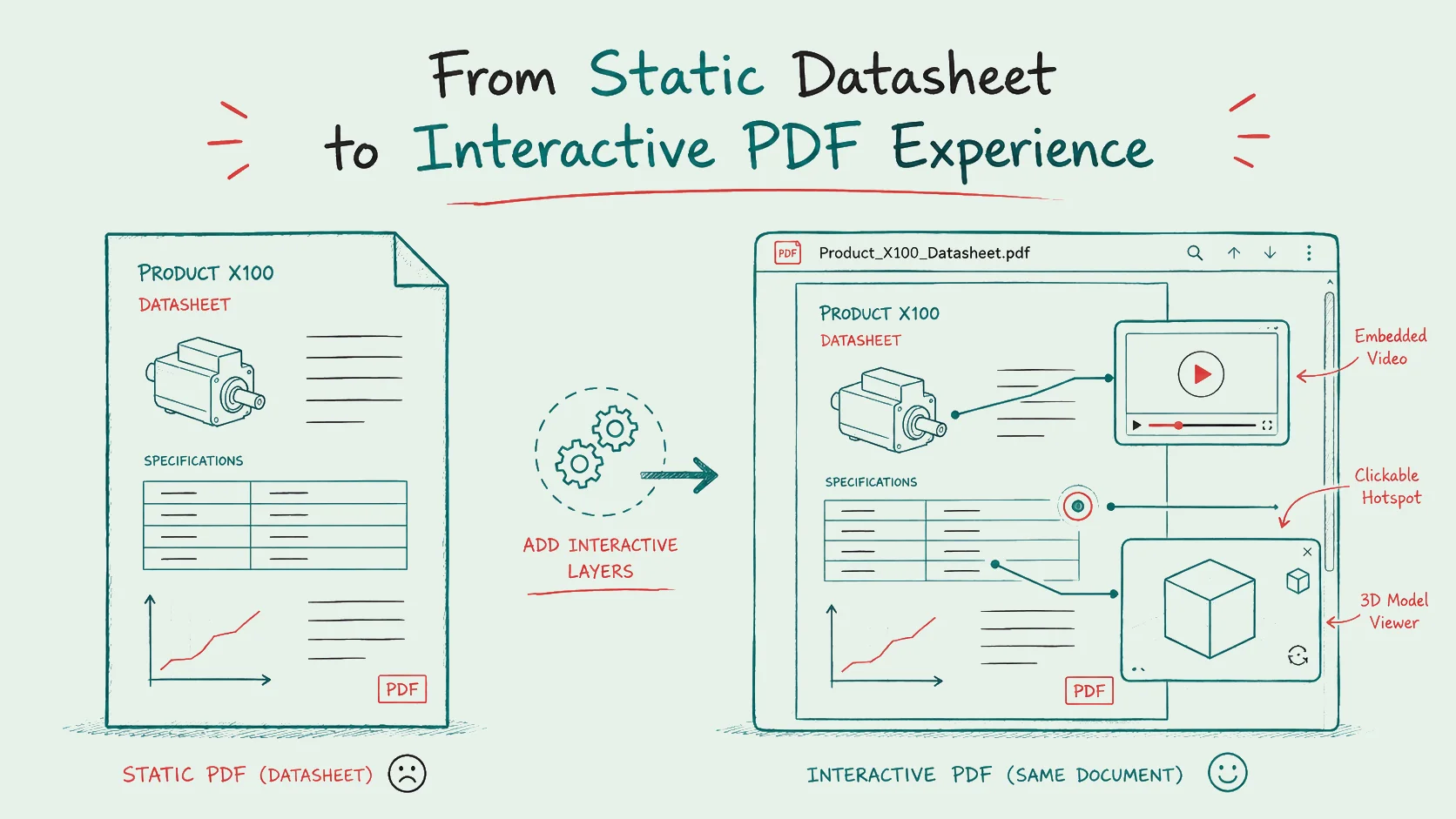
Statische PDFs lassen technische Einkäufer bei Abmessungen rätseln und füllen Ihr Postfach mit Rückfragen. Erfahren Sie, wie interaktive Datenblätter drehbare 3D-Modelle, Videoloops…
How-To
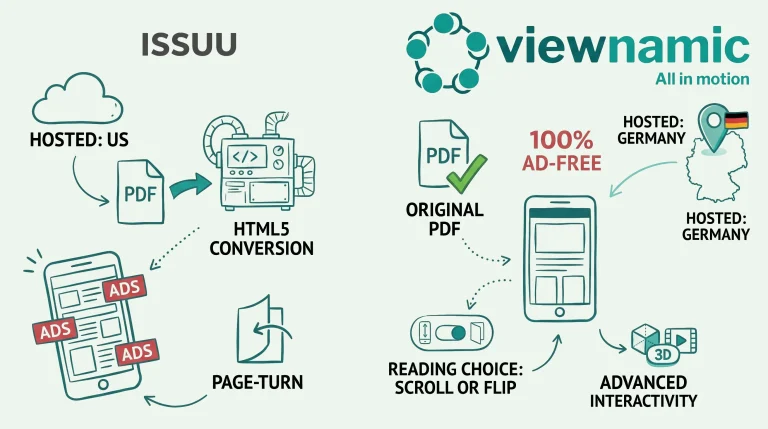
Discover why Viewnamic is redefining digital publishing: original PDF fidelity instead of outdated conversions, data security made in Germany and a 100%…
Interactive PDFs and magazine hosting plans – or a tailored plan for your company, whatever its size.
FAQ
No. Many customers simply host and publish regular PDFs – magazines, brochures, catalogues or reports – in the Viewnamic viewer and share them with a link. Depending on the plan, they also embed them on their website, use the page-flip magazine mode, show their own logo and colours in the viewer and see reader statistics. Videos, audio, 3D models and click dummies are optional extras.
Upload your PDF, choose the area where the video should appear and upload your video – that’s all it takes.
You decide how it plays: automatically as soon as it is visible, in a loop, with or without player controls. The video stays outside the PDF file, so the file stays as small as before.
No. Your original PDF stays unchanged and lightweight. Interactive content and its position are stored separately and displayed on top of the page inside the Viewnamic viewer.
Adobe tools can embed videos and other rich media into a PDF, but the media only plays in a few PDF readers – in Apple Preview and many other common readers it simply doesn’t appear. Adobe also embeds the video into the file itself, which makes the PDF very large, hard to email and slow to navigate.
With Viewnamic, your original PDF stays lightweight and unchanged. The dynamic content is delivered through the browser-based viewer, so it works reliably on every device.
No. Your publication opens in any modern browser via a link or an embed on your website – no downloads, plugins or accounts required.
Any PDF that benefits from media or a better reading experience: magazines, catalogues and brochures, sales folders and datasheets, real estate exposés, presentations and pitch decks, research papers and reports, manuals, portfolios and CVs.
Yes. Publications, media and interactive content are delivered by Viewnamic, so readers need to be online. If you allow downloads, readers can always save the static PDF for offline use.
Your files are stored securely in Germany and are only accessible through the links you share. For confidential documents you can use secure sharing with recipient-specific links, one-time codes and watermarks (depending on your plan). You can delete your content at any time.
Yes. Viewnamic is developed in Germany, runs on servers in German data centres and processes personal data in line with the GDPR. We provide a data processing agreement (DPA), collect reader statistics without cookies and without storing IP addresses, and delete them automatically after 12 months.
Yes. Publications work smoothly on phones, tablets and desktops, including touch gestures and full-screen reading.
Try Viewnamic free for 30 days – upload a PDF and share it in minutes.