Digital Sales Folder: How to Create One That Wins Customers
A sales folder that prospects open with one link – on any device, with product videos, 3D models and a clear next step. What belongs in it, why a PDF attachment falls short and how to create a digital sales folder whose effect you can measure.

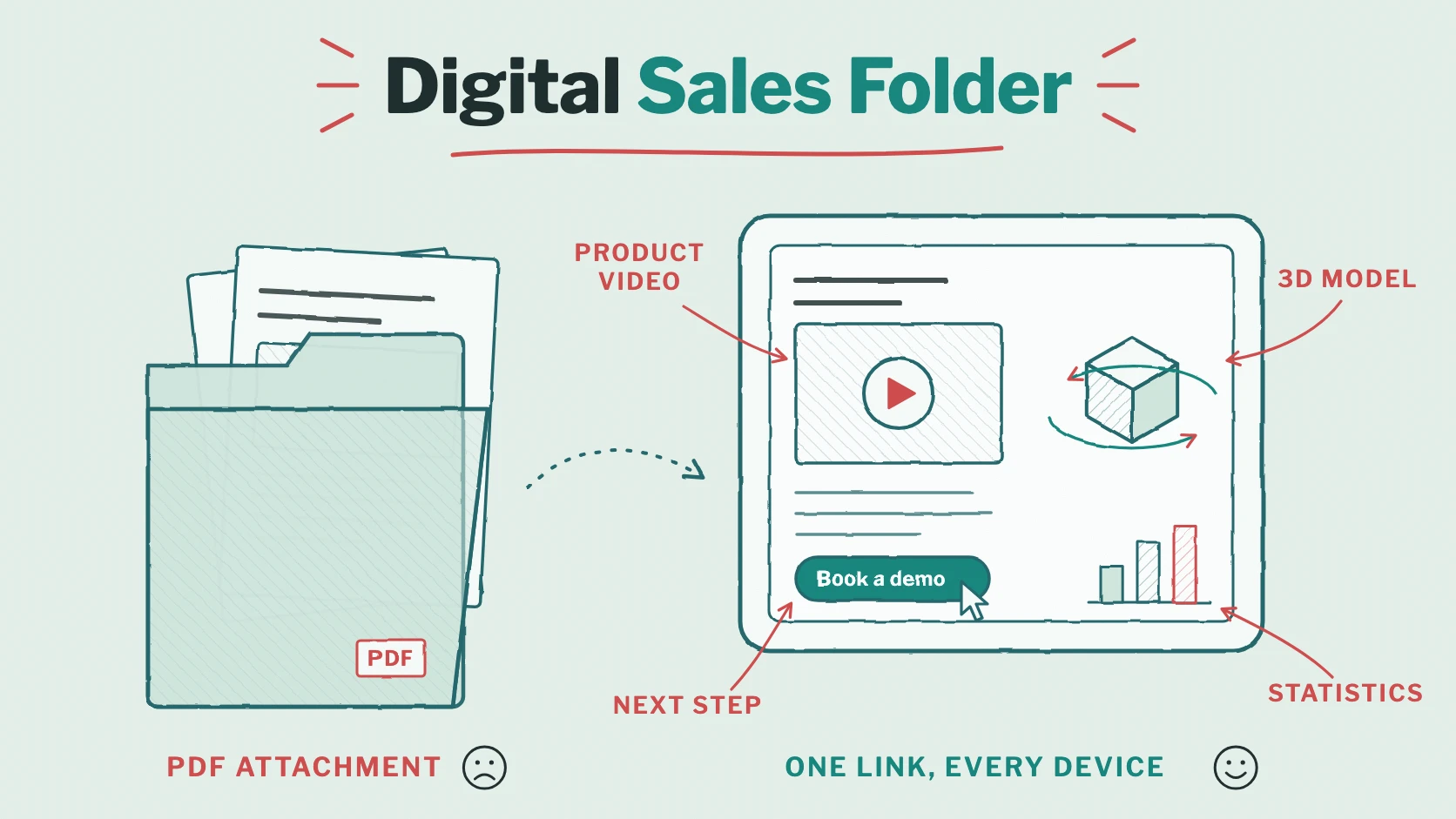
For decades, the sales folder was a printed portfolio: company profile, product sheets, references and a price list, handed over at the end of a meeting. Today, most sales folders are PDFs sent as an email attachment – and that’s where they disappear. You don’t know whether the prospect opened the file, which pages they read or whether it even made it past the spam filter.
A digital sales folder solves this. In this guide, you’ll learn what belongs in a sales folder, why a plain attachment falls short and how to turn the PDF you already have into a sales folder that prospects open with one link, on any device – with product videos, 3D models and a clear next step.
What is a digital sales folder?
A digital sales folder – also called a sales kit or product folder – bundles everything a prospect needs to decide: who you are, what you offer, what it costs and why they can trust you. Instead of receiving a printed folder or a file attachment, prospects open it online: through a link in an email, on your website or with a QR code on your business card.
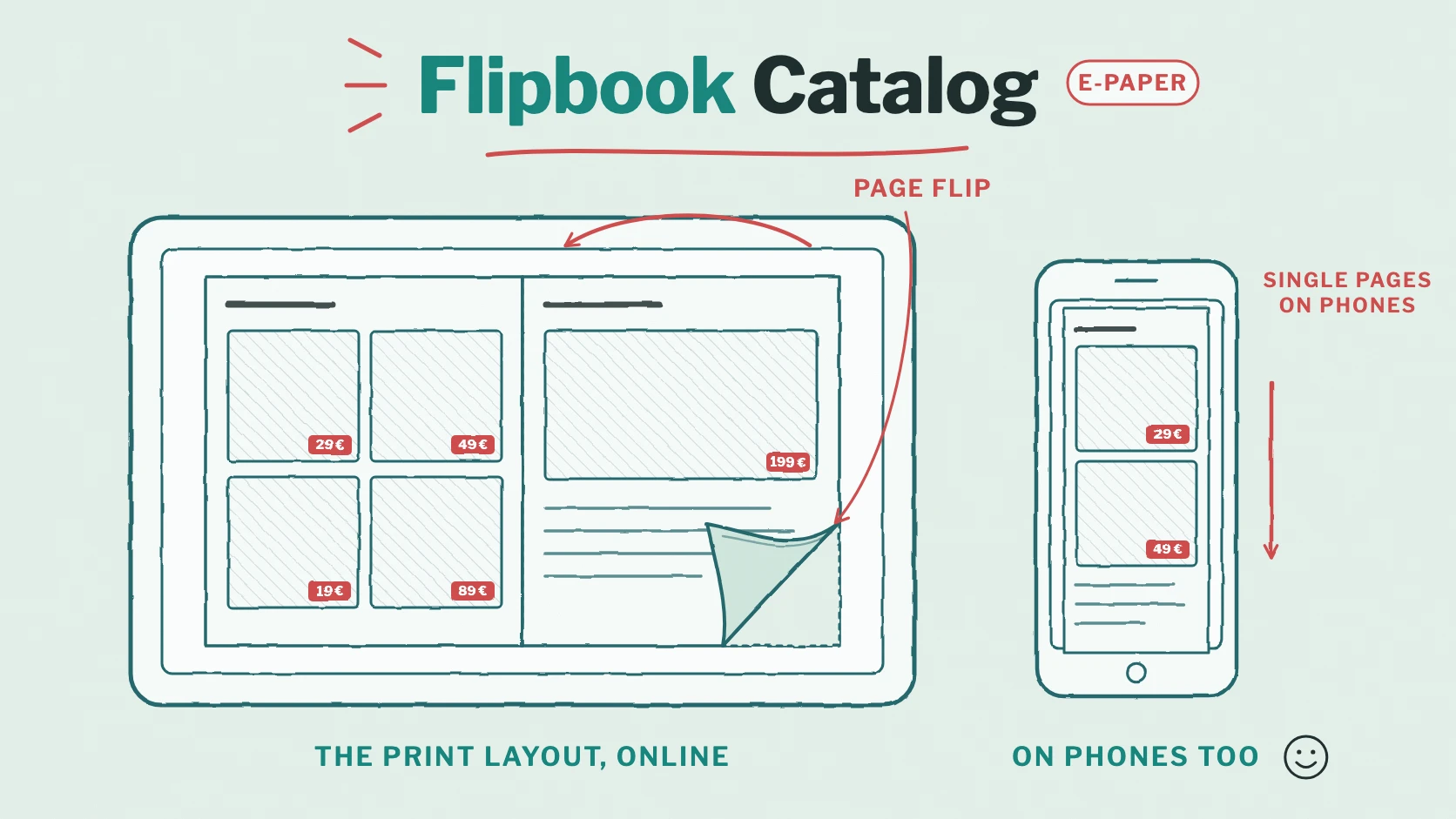
The best digital sales folders keep the design of the printed original and add what paper can’t do: moving pictures, products that can be turned, direct links to the next step – and figures that show how the folder is read.
What belongs in a sales folder: a checklist
- A cover with a clear promise: one sentence that tells the prospect what they gain – not just your logo.
- Company and contact person: who you are, what you stand for and who will look after the customer, with a photo.
- Products or services: the benefits first, then the details. One page per product line keeps the folder easy to navigate.
- Proof: references, case studies, customer quotes, certificates and figures.
- Prices or packages: as a price list or as a separate, personal offer.
- Answers to common objections: delivery times, support, contract terms – the questions every prospect asks.
- The next step: a call, a demo, a sample or a visit, with a link that leads right there.
Why a PDF attachment isn’t enough
- No feedback: once sent, the file is out of your hands. You don’t know whether it was opened, forwarded or deleted.
- Size limits and spam filters: high-resolution sales folders quickly exceed attachment limits or end up in quarantine.
- Too many versions: “Sales_Folder_2026_v7_final.pdf” – after every price change, old versions keep circulating.
- Hard to read on phones: many prospects open the email on their phone first, where a large PDF means waiting and zooming.
- Static content: a product video or a configurator needs a separate link that hardly anyone clicks.
How to make your sales folder interactive
With Viewnamic, you keep the PDF your designers created – in InDesign, PowerPoint, Canva or any other tool – and add interactive content on top of its pages. The PDF itself stays unchanged.
- Product videos: demos, animations or customer testimonials play right on the page – with or without sound, as a moving picture or behind a play button.
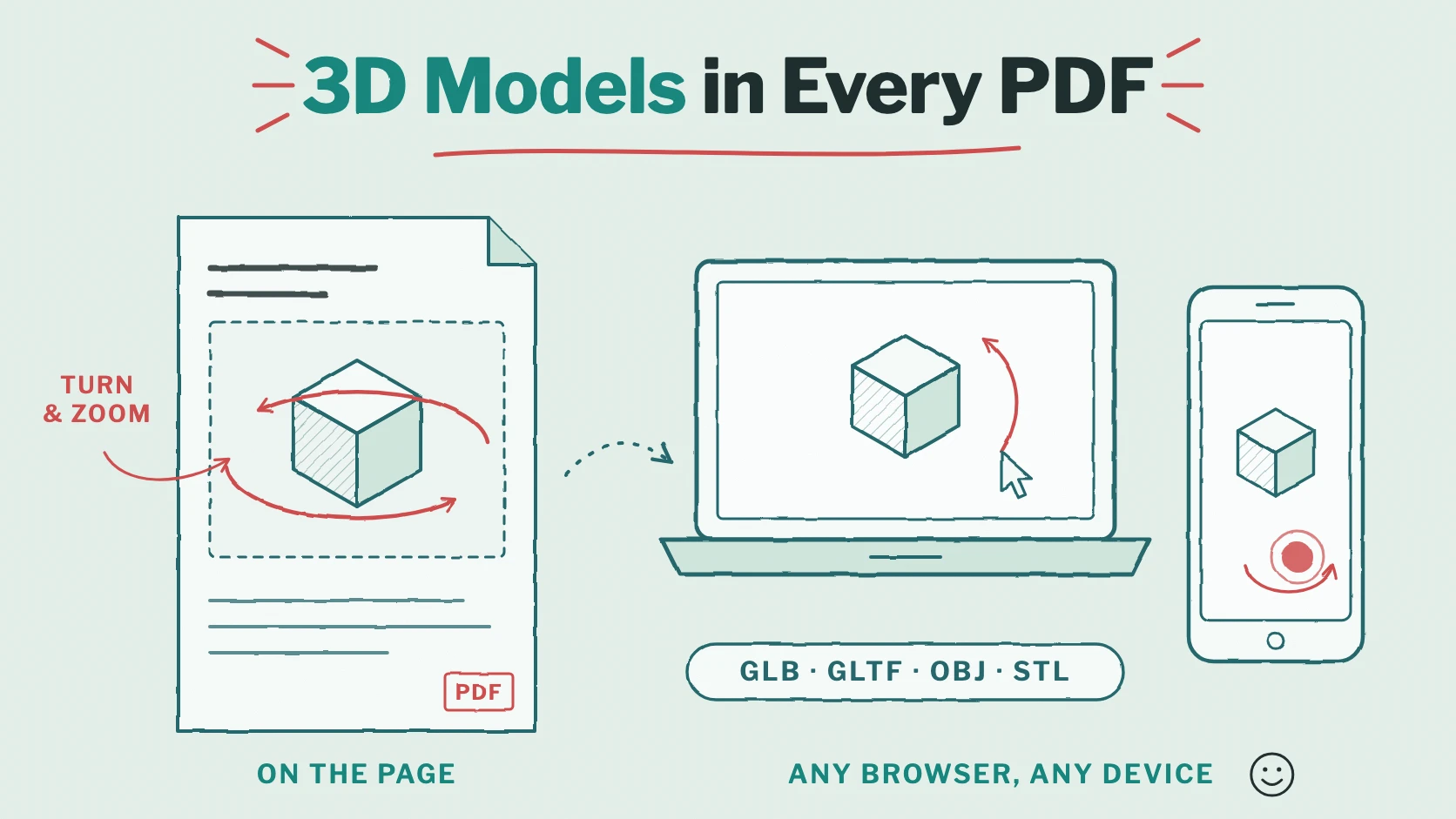
- 3D models: prospects turn and zoom your product with the mouse or a finger, from every angle, without an app. More in our guide to 3D models in PDFs.
- Click dummies: show your app, software or configurator as a clickable prototype – or let prospects switch between colours and variants.
- Image galleries: many product photos on one spot of the page, without extra pages.
- Links: turn buttons and product photos into links to your shop, a demo booking or a contact form. Links already in your PDF keep working.
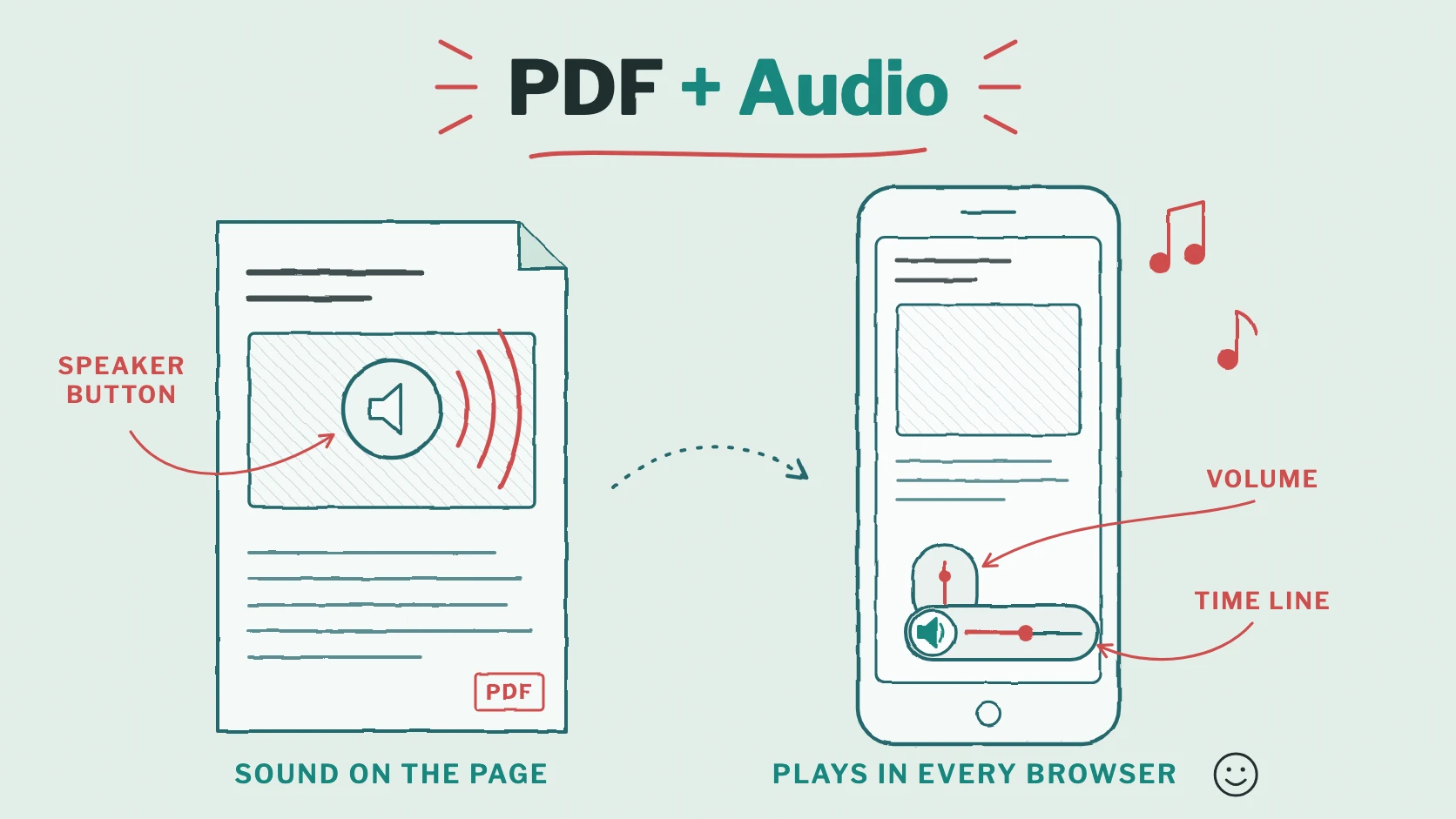
- Audio: a personal greeting from your sales team or the sound of the product. Ideas in our guide to PDFs with audio.
A good example is the sales folder we created for the snack brand CRACKZ: headlines that move, products that seem to jump off the page and a mascot that comes to life. Read the story in our article about the CRACKZ sales folder.
👉 Open the interactive CRACKZ sales folder
Share it the right way
- One link for everything: every publication has its own address, which you can customise – for example viewnamic.com/publication/your-company/sales-folder-2027/. Use it in emails, your signature, a QR code or a LinkedIn post.
- On your website: embed the sales folder on a product page; videos and 3D models keep working inside the embed.
- Personal links for offers: for proposals and price lists, Secure sharing creates a link per recipient. The recipient confirms their email address with a one-time code, and you can add a watermark and an expiry date. You see when each recipient opened the PDF – and how often.
- Always up to date: when prices or products change, upload a new PDF version. The link, embeds and statistics stay the same, so nobody reads an outdated folder.
Embedding is included from the High Five plan, Secure sharing is part of our tailored plans. All details are on the pricing page.
Measure what interests your prospects
With the statistics of the Premium and Tailored plans, you see how your sales folder is read: visits, the average reading time and the reading time per page, downloads, video plays, opened 3D models and click dummies, and link clicks. You quickly see which products get attention, which pages are read longest – and where your folder needs work.
The statistics are privacy-friendly: no tracking cookies and no profiles of individual readers. For a personal follow-up, secure links tell you when a specific recipient opened your offer.
Step by step: create your digital sales folder
- Design the PDF as usual – and leave room where a video, a 3D model or a button should appear, or use a product photo that a video will later cover.
- Upload it to the Viewnamic Workspace. It’s online within seconds.
- Add interactive content in the editor: drag an area on the page and choose a video, a 3D model, a click dummy, an image gallery, an audio file or a link.
- Choose the access: Link only for prospects, your public page for everyone, Secure for confidential offers.
- Share and follow up: send the link, embed the folder on your website and look at the statistics before your next call.
Our video “Create an Interactive Product Catalog from a PDF” shows these steps for a product catalogue in five minutes. All other episodes are listed in our overview of the Viewnamic video tutorials.
Conclusion: a sales folder that keeps selling
A digital sales folder does more than replace paper. It opens on every device, shows your product in motion, leads prospects to the next step and tells you what they were interested in. And because Viewnamic leaves your PDF unchanged, your design stays exactly as your brand intends.
Turn your current sales folder into a digital one: try it without an account or start with the Free plan. Do you need personal links, several brands or access for your team? Talk to us about a tailored plan.
Publish your PDFs with Viewnamic
Host, share and enhance your documents – with the Free plan, online for 30 days.