Skip to content
Viewnamic – home

Share & embed PDFs

Share PDFs with a link, embed them on your website – or keep them confidential

Every publication gets a readable link. Depending on your plan, you also embed it on your website, collect your public documents on one branded page and send confidential documents through recipient-specific secure links.

  • Free for 30 days
  • Hosted in Germany
  • No software needed for readers
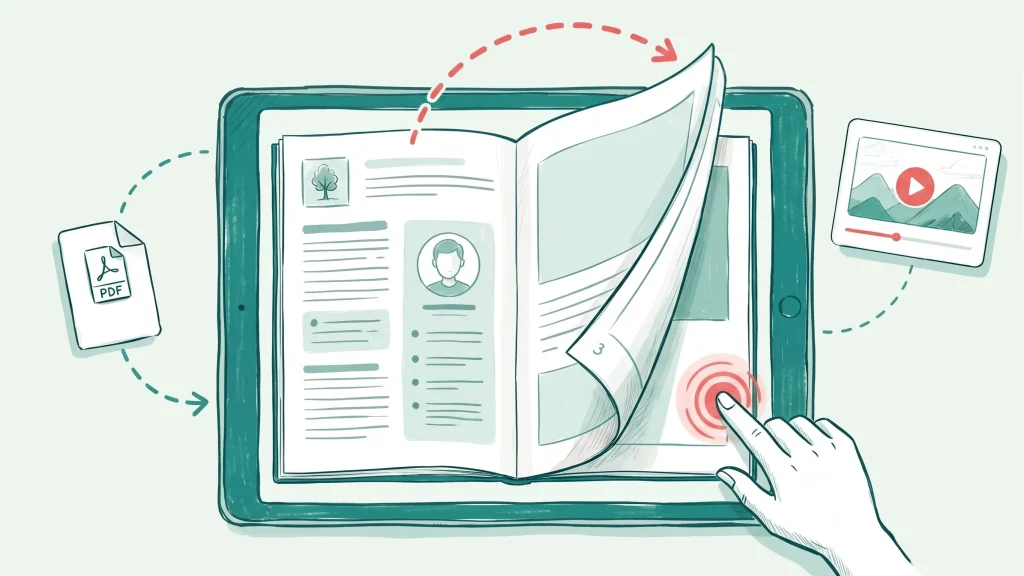
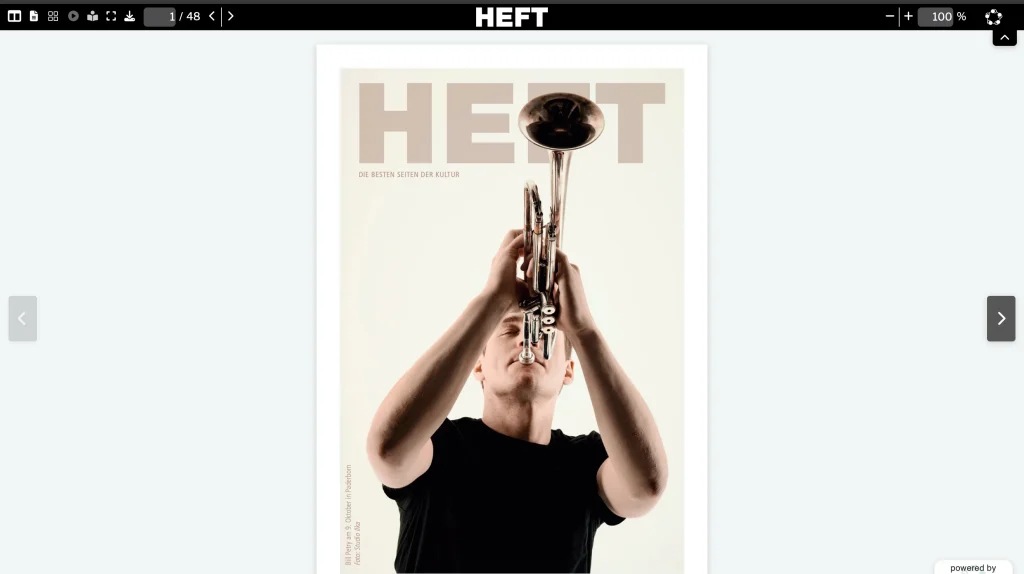
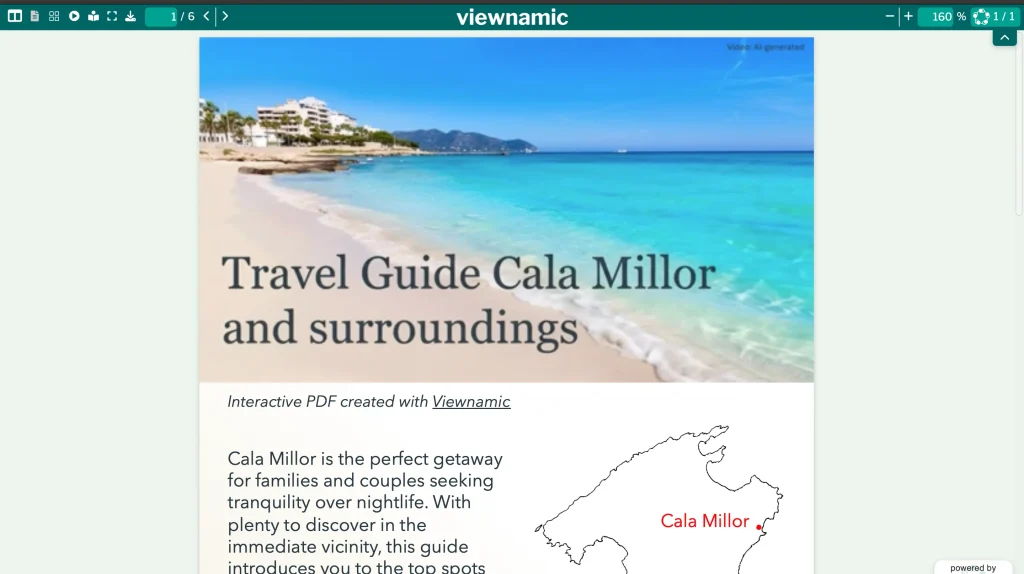
Illustration: you copy the embed code of a publication and paste it into your website. Visitors then read the interactive document, with all its media, without leaving your page.

Embed on your website

Embed a PDF on your website

Copy the embed code of a publication and paste it into an HTML or embed block on your website – in WordPress, Webflow or any other system that accepts HTML embeds. Visitors turn the pages, play the videos and explore the 3D models without leaving your site.

  • Auto fit: the embed takes the page format of your PDF – no scrollbars inside the frame
  • Or fill the surrounding element and control the size yourself
  • Magazines as a double-page spread or one page at a time
  • Videos, 3D models and links work inside the embed

Website embedding is included in selected plans. Compare plans

Embed code (example)
<iframe src="https://viewnamic.com/publication/your-profile/your-document/?vnm_embed=1" title="Your publication" allow="autoplay; fullscreen"></iframe>
Public publication page

A public page for all your documents

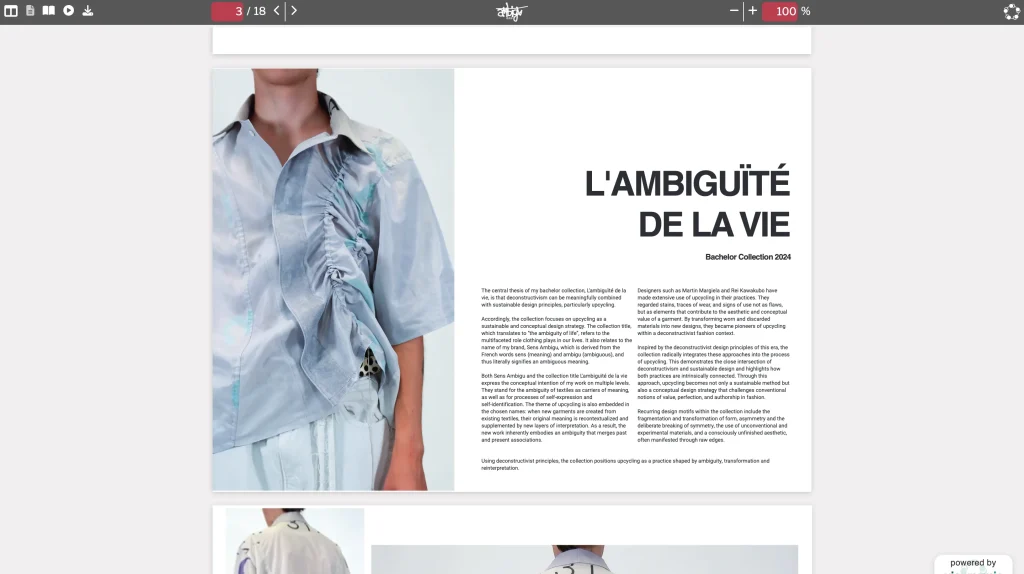
Collect the documents you make public on one page with your logo, a short description and a link to your website – a branded library of magazines, brochures, catalogues or reports that readers browse with a single link.

  • Logo, description and website link
  • All public publications at a glance
  • One link for your whole library

The public publication page is included in selected plans. Compare plans

Illustration: a public publication page in your design, with your logo, a short description and a link to your website above all the documents you have made public – catalogues, brochures, magazines and reports.

Secure sharing

Share confidential PDFs securely

For proposals, contracts and internal documents, create a secret link for each recipient. Before the document opens, the recipient enters a one-time code that Viewnamic sends to their email address. An optional watermark and an expiry date give you even more control.

  • A separate secret link for every recipient
  • One-time code sent to the recipient’s email address
  • Optional watermark and expiry date

Secure sharing is included in selected plans. Compare plans

Illustration: secure sharing. Each recipient gets a personal secret link and must enter a one-time code sent to their email address before the document opens. An optional watermark and an expiry date add further control.

Sharing & embedding

More ways to share

  • Access per publication

    Link-only publications open for everyone who has the link but are not listed. Depending on your plan, public publications also appear on your public page, and secure publications open only for verified recipients.

  • Findable in search and AI answers

    Text locked in page images or downloads is hard for search engines to read. Because every Viewnamic publication has a text version, search engines and AI assistants can understand and quote it – if you allow indexing for that publication.

Examples

See it in real documents

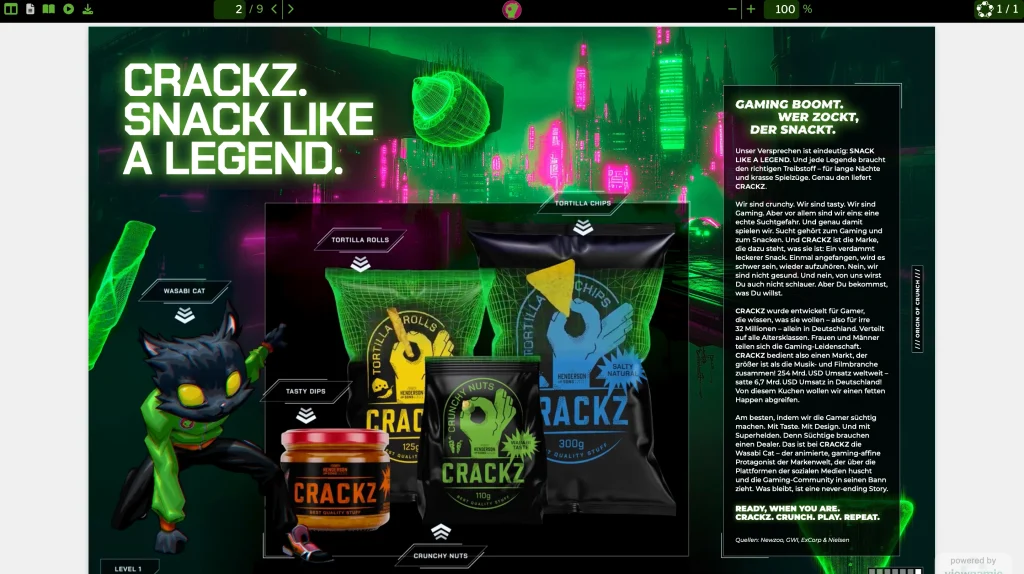
Open real publications in the Viewnamic viewer – exactly as readers experience them.

Solutions

Where teams use it

  • Use case

    Magazines

    Publish magazines, catalogues and recurring publications online with page-flip reading.

  • Use case

    Catalogs & Brochures

    Catalogs, brochures and lookbooks with product videos, image slideshows and clickable links to your shop.

  • Use case

    Guides & Manuals

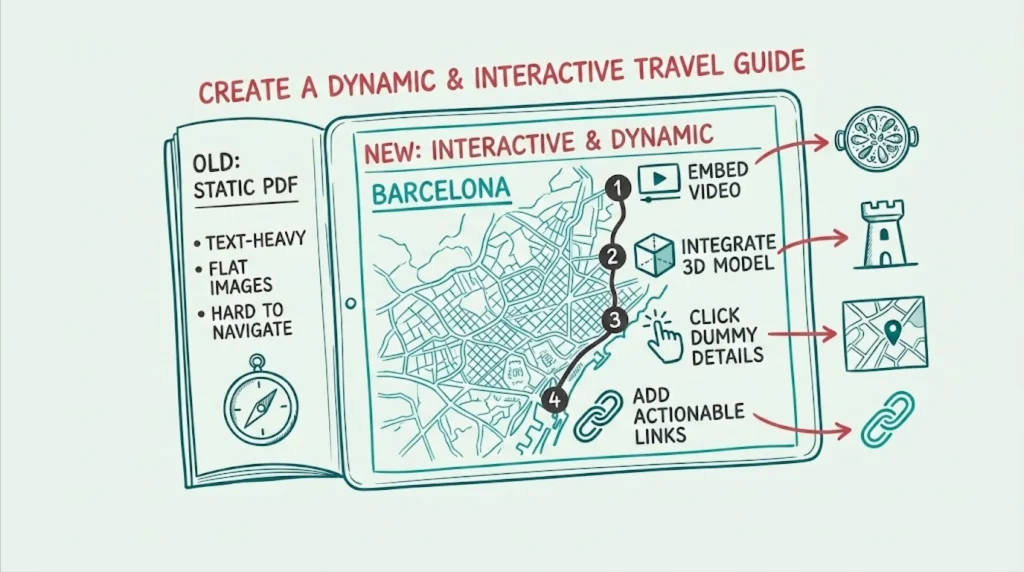
    Travel guides, manuals and software guides with videos, clickable maps and click dummies.

  • Industry

    Architecture & Design

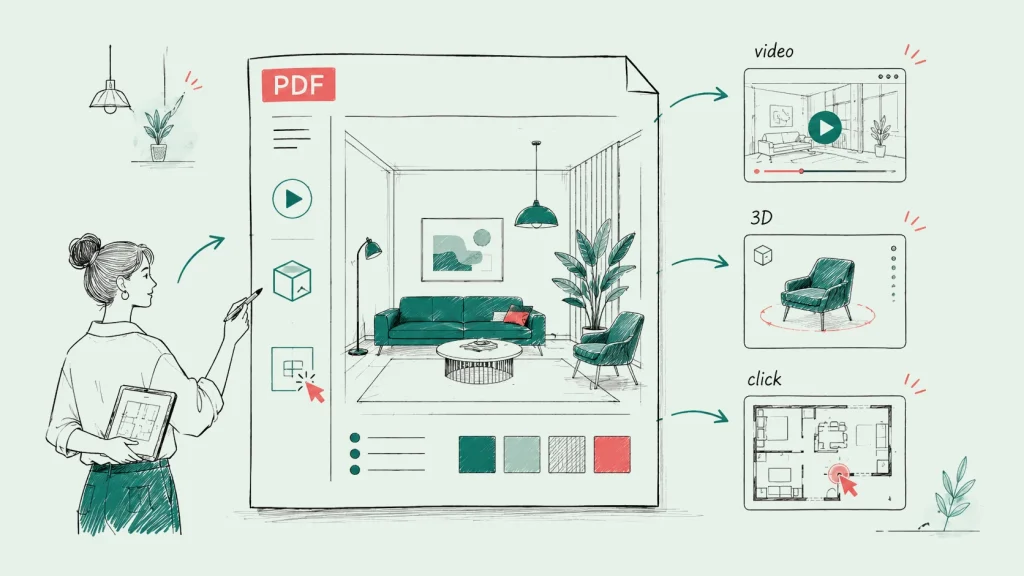
    Portfolios and design concepts with videos, 3D models and image slideshows that convey space, materials and atmosphere.

From the blog

Guides and background

FAQ

Frequently asked questions

How do I embed a PDF on my website?

Publish the PDF with Viewnamic, copy the embed code of the publication and paste it into an HTML or embed block on your website. The document then appears right on your page, and visitors read it, play its videos and explore its interactive content without leaving your site. Website embedding is included in selected plans.

Can I share a PDF without making it public?

Yes. Set the publication to “link only”: everyone with the link can open it, but it is not listed on your public page. For confidential documents, use secure sharing with recipient-specific links. Secure sharing is included in selected plans.

How does secure sharing work?

You create a secret link for each recipient. When the recipient opens it, Viewnamic sends a one-time code to their email address, and the document only opens after the code has been entered. You can add a watermark and an expiry date. Secure sharing is included in selected plans.

What is the public publication page?

It is your own page on Viewnamic that lists all publications you make public – with your logo, a description and a link to your website. Readers can browse your whole library with one link. The public publication page is included in selected plans.

Can search engines find my publications?

Yes, if you want them to. Every publication has a text version (reading mode) on the same URL. You decide per publication whether search engines may index it.

Try it with your own PDF

Upload a document you already have and see the result in minutes – free for 30 days.

Newsletter

Get product updates and publishing tips

New features, examples and ideas for better digital documents – a few times a year, no spam.