Skip to content
Viewnamic – home

Online PDF viewer

An online PDF viewer that does justice to your layout

Your readers open the PDF in the browser as a page-flip magazine, a scrolling document or a fullscreen presentation – fast, without ads and on every device. A text version of every publication makes it accessible and searchable.

  • Free for 30 days
  • Hosted in Germany
  • No software needed for readers

Magazine and scroll mode

Page-flip magazine or smooth scrolling – readers choose

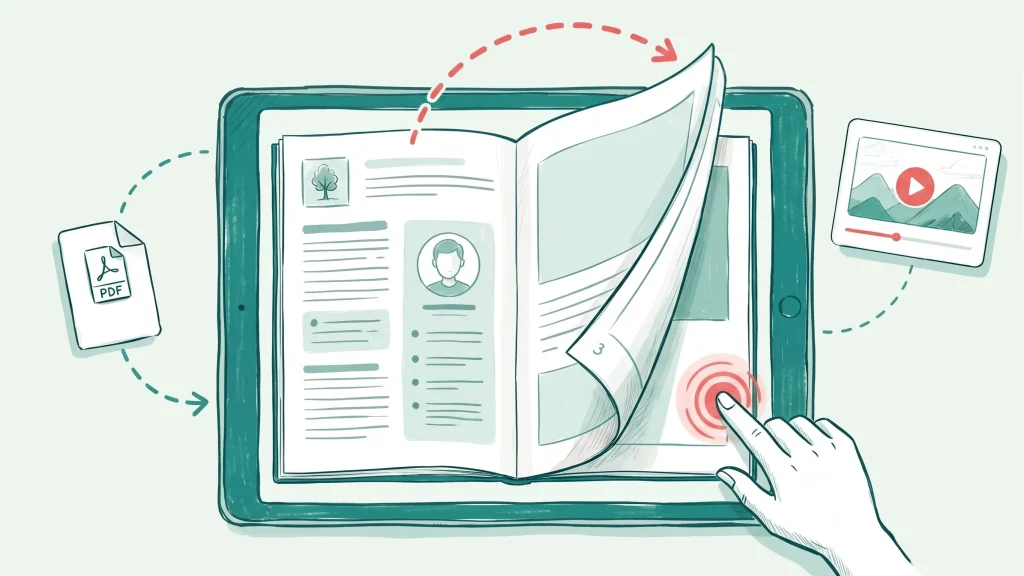
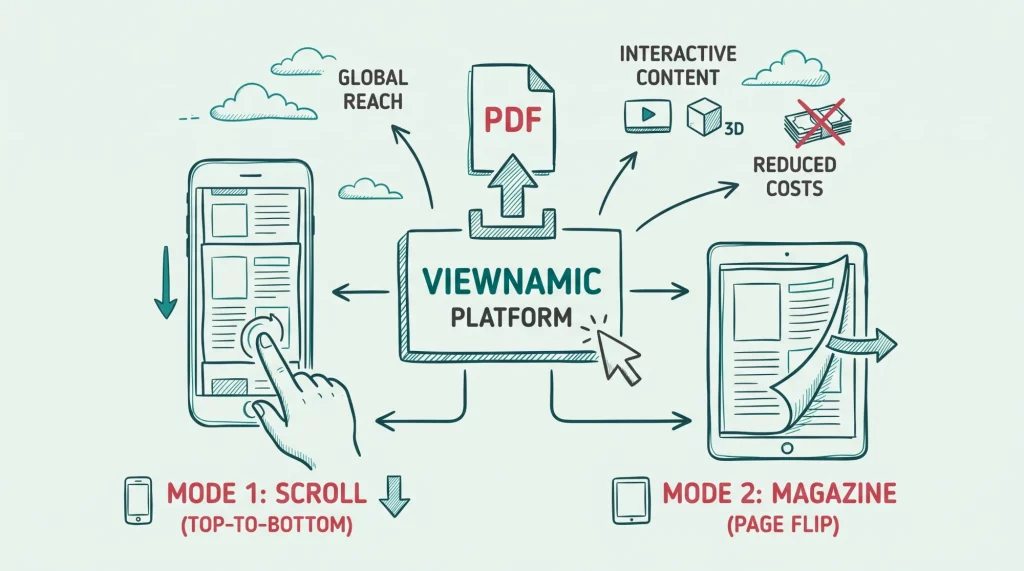
Magazine mode shows double-page spreads with a realistic page-turn effect – made for magazines, catalogues and brochures. Scroll mode lets readers move through the document like a web page, which suits reports, papers and phones. Readers can switch between both modes at any time.

  • Realistic page-flip with double-page spreads
  • Smooth vertical scrolling on every screen size
  • Fonts, images and layout exactly as in your PDF

Magazine mode is included in selected plans. Compare plans
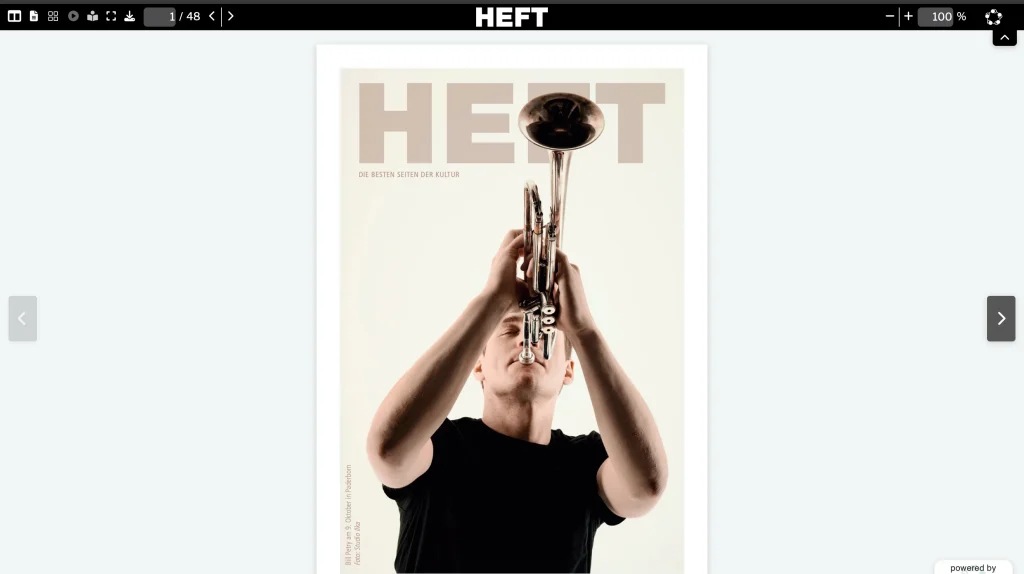
See it in a real document “Das Heft” magazine

Illustration: one uploaded PDF shown in two ways – as an open magazine with a realistic page-flip, and as a document that readers scroll through from top to bottom.

Fullscreen and presentation mode

Present your PDF in fullscreen – videos included

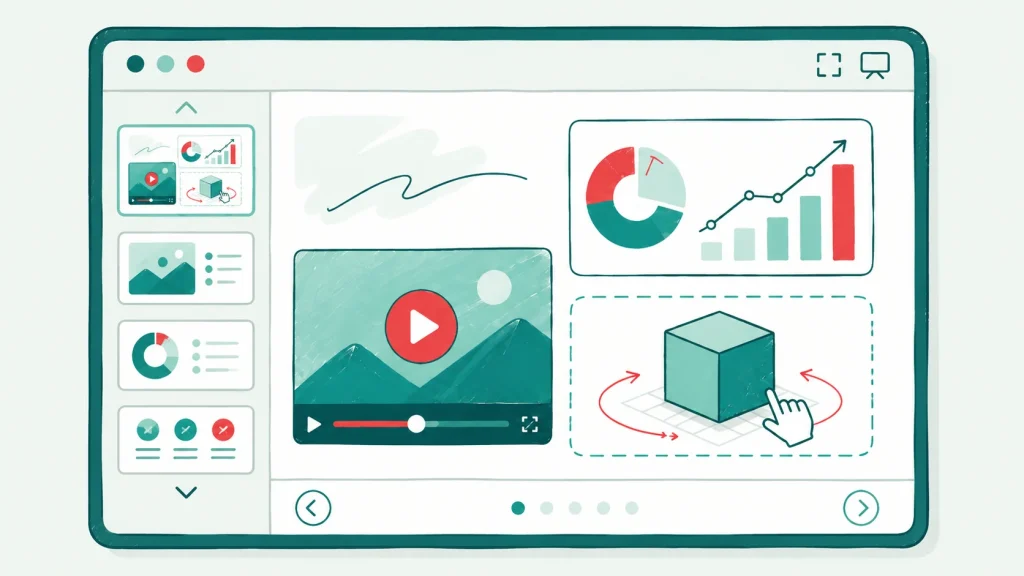
One click hides everything except your document. Present a pitch deck or a sales presentation slide by slide, control it with a presentation clicker or the arrow keys – and play videos right inside the slide.

  • Distraction-free fullscreen view
  • Navigation with a presentation clicker or the keyboard
  • Videos and 3D models stay part of your slides
  • Runs in the browser – no presentation software needed

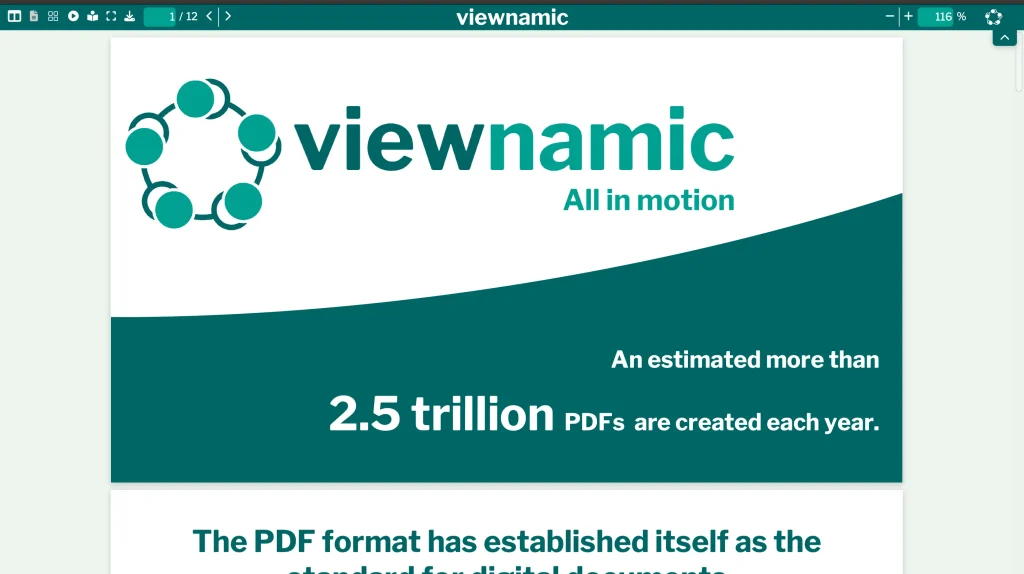
See it in a real document Viewnamic pitch deck (opens in a new tab)

Illustration: one click on the fullscreen button turns the document reader into a distraction-free presentation. Videos keep playing on the slide, and you move through the slides with a clicker or the arrow keys.

Reading mode

Reading mode: an accessible text version of every publication

Every publication can also be read as a structured text version on the same URL – including your media. Screen-reader users and readers on small screens get a comfortable alternative, and search engines and AI assistants can understand your content. You decide per publication whether it may be indexed.

  • Semantic text version of your pages on the same URL
  • Videos and other media appear in the text version too
  • Indexing by search engines is chosen per publication
Illustration: a designed PDF page next to its reading mode. On the same link, the reading mode shows the content as clean text with real headings, paragraphs and the embedded media – accessible for screen readers and readable for search engines.

PDF viewer & reading modes

Made for every reader

  • Works on every device

    Publications adapt to phones, tablets and desktops and support touch gestures. Readers need no app, plugin or account – a modern browser is enough.

  • No ads, no third-party trackers

    No banners, no recommendations of other publishers’ documents and no third-party trackers – readers see your publication and nothing else.

  • Optional PDF download

    Allow readers to download the original PDF – for example to print it or read it offline – or keep the publication online only.

    The PDF download for readers is included in selected plans. Compare plans
Examples

See it in real documents

Open real publications in the Viewnamic viewer – exactly as readers experience them.

Solutions

Where teams use it

  • Use case

    Magazines

    Publish magazines, catalogues and recurring publications online with page-flip reading.

  • Use case

    Presentations

    Keep videos in your PDF slides and present them in fullscreen from any browser.

  • Industry

    Education & Research

    Research papers, course material and reports with videos of experiments, animations and 3D models.

From the blog

Guides and background

  • Guide

    The Ultimate Guide to Digital Publishing of Magazines

    Discover why publishing your magazine online is essential for modern audiences. Learn how Viewnamic outperforms traditional flipbooks by offering flexible reading modes and seamless interactive content integration.

  • Guide

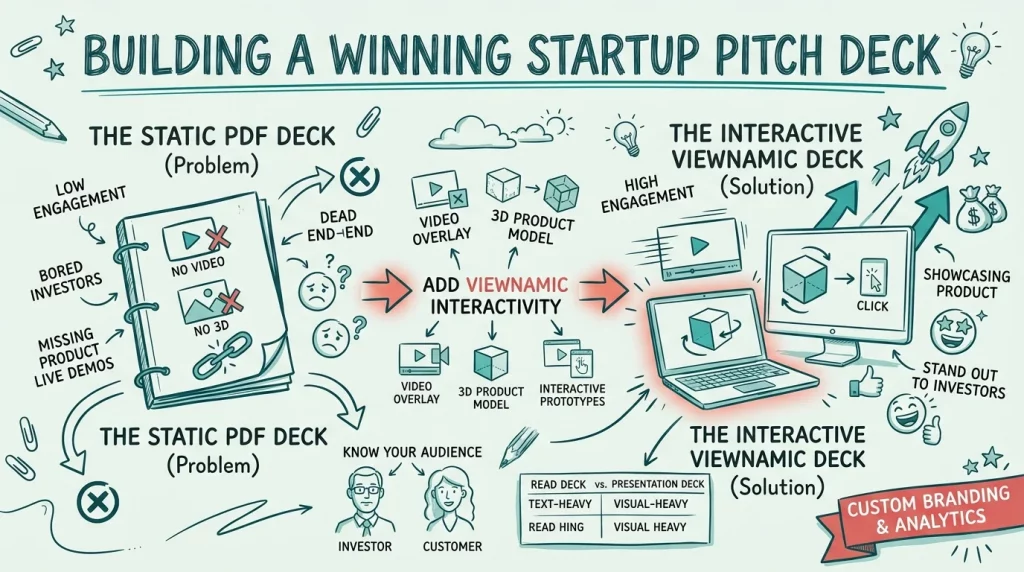
    How to Build a Winning Startup Pitch Deck: The Ultimate Guide for Founders

    Stop sending static, lifeless PDFs to investors. Learn the anatomy of a winning startup pitch deck, understand the crucial difference between a presentation deck and a read deck, and discover how to embed interactive product demos directly into your slides to secure your next round of funding.

  • Guide

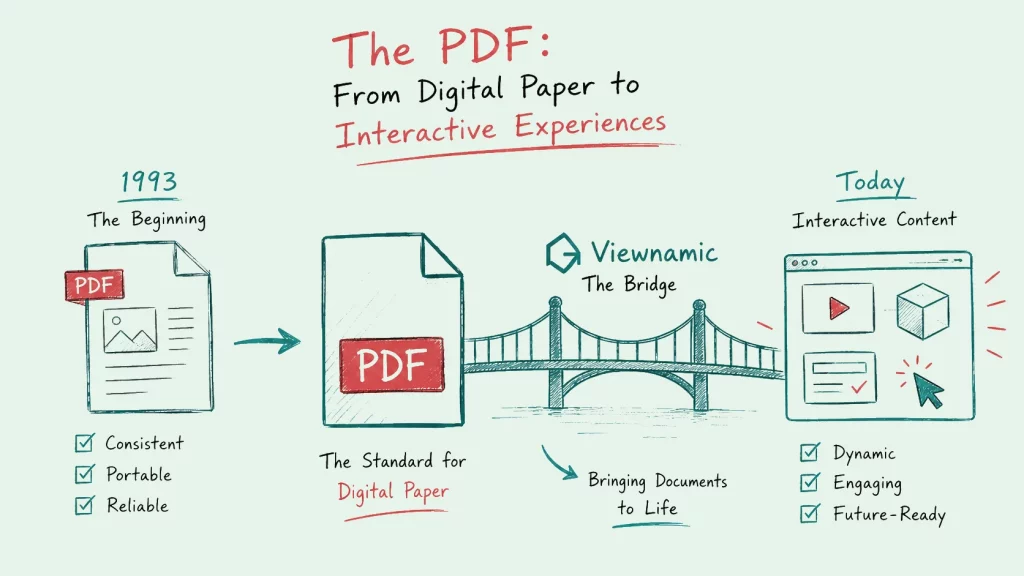
    The History of the PDF Format and Its Modern Evolution

    From “The Camelot Project” to the default format for trillions of documents: how the PDF came to dominate professional communication, why static “digital paper” now hits its limits, and how multimedia closes the gap.

FAQ

Frequently asked questions

What is the difference between magazine mode and scroll mode?

Magazine mode shows double-page spreads with a realistic page-flip effect, like a printed magazine. Scroll mode shows the pages one below the other, like a web page – which is often more comfortable for reports and on phones. Readers can switch between both. Magazine mode is included in selected plans.

Can I present a PDF in fullscreen with videos?

Yes. The presentation mode shows your PDF in fullscreen, slide by slide, and you can navigate with a presentation clicker or the keyboard. Videos and other media placed on the slides play right inside the presentation.

What is the Viewnamic reading mode?

Reading mode is a text version of your publication on the same URL. It presents the content of your pages as structured text, including your media. It serves as an accessible alternative for screen readers and lets search engines and AI assistants understand the content – if you allow indexing for that publication.

Do readers need an app or an account?

No. Publications open in any modern browser on phones, tablets and computers. Readers need neither an app nor an account.

Does the Viewnamic viewer show ads?

No. The viewer shows no ads, no other publishers’ documents and uses no third-party trackers.

Try it with your own PDF

Upload a document you already have and see the result in minutes – free for 30 days.

Newsletter

Get product updates and publishing tips

New features, examples and ideas for better digital documents – a few times a year, no spam.