Interactive PDFs for Interior Design: How to Impress Clients Before the First Wall Is Painted
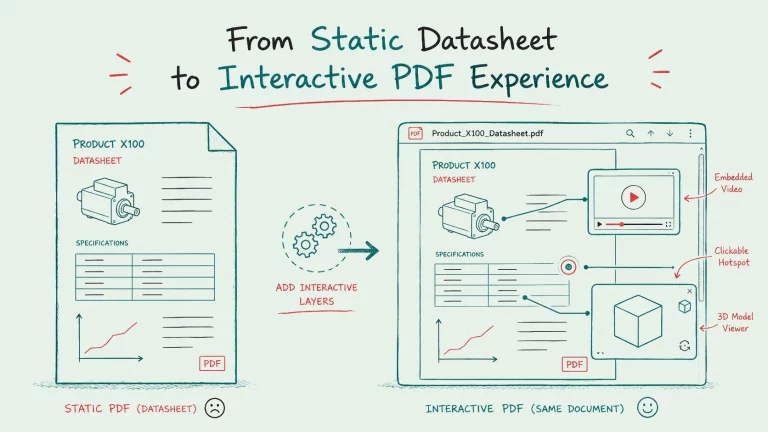
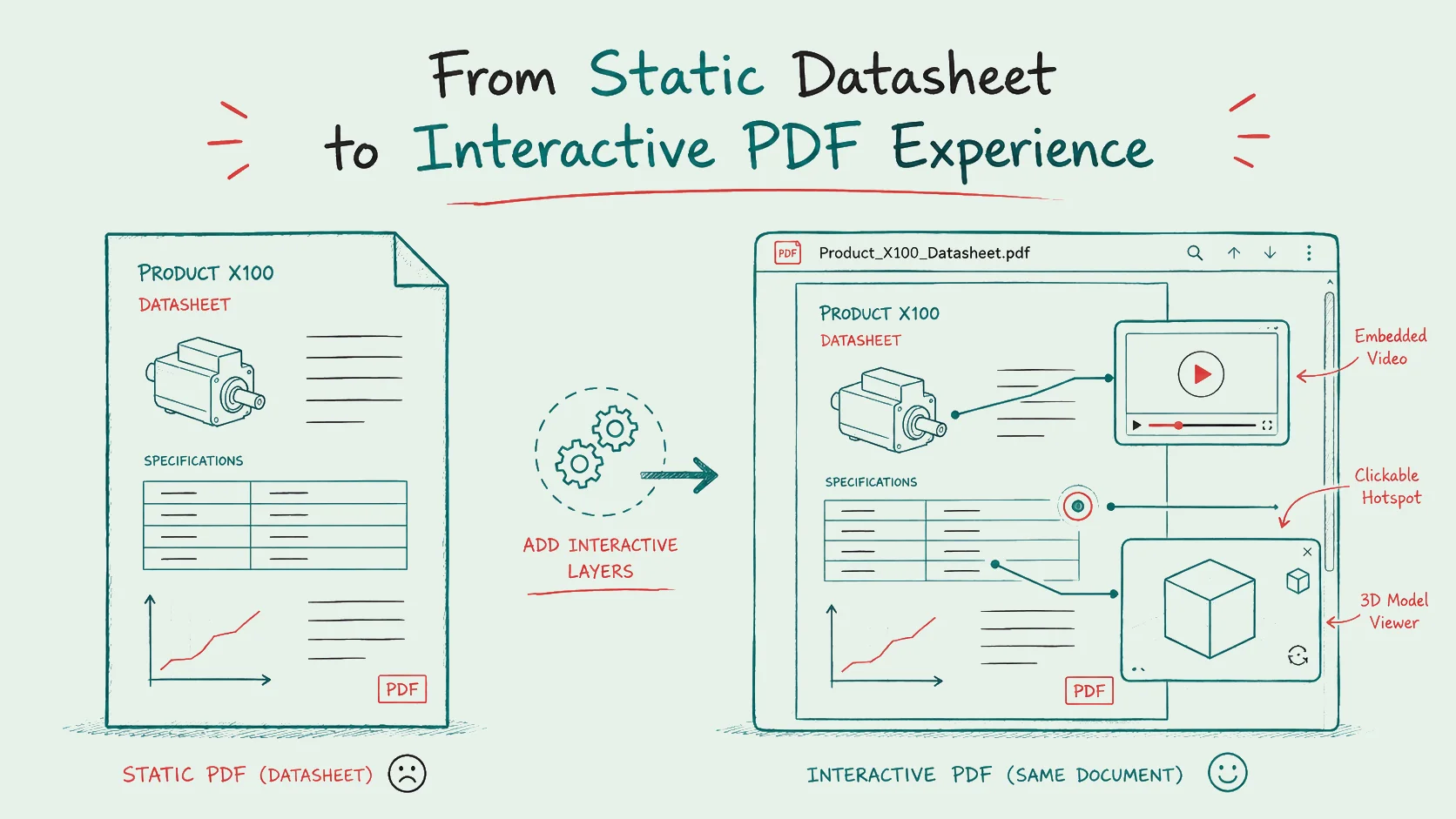
Interior designers often use PDFs to present room concepts, visualizations and design ideas to clients. With Viewnamic, these PDFs can become interactive experiences by adding videos, 3D models and click dummies directly into the document.

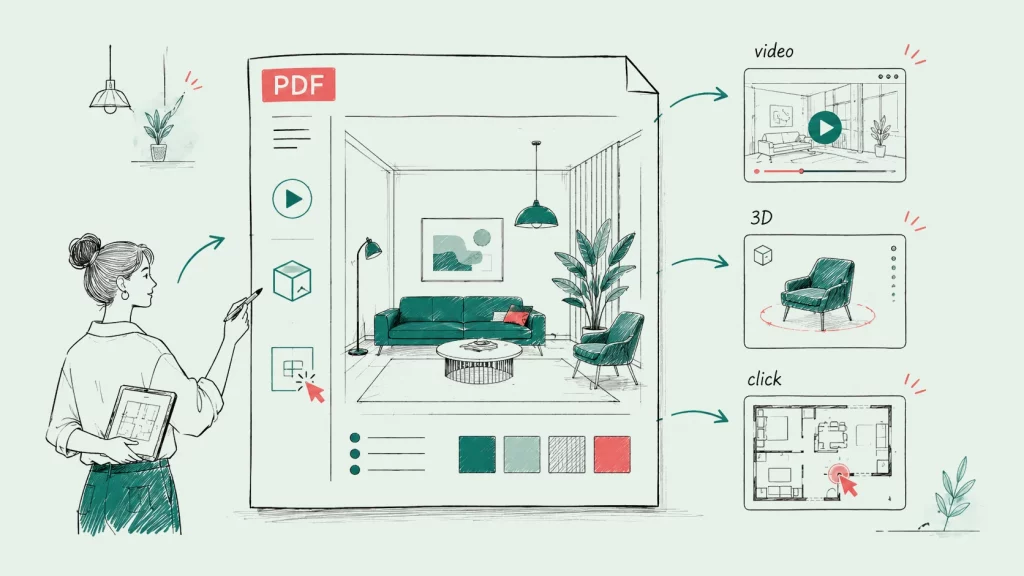
Interior design is visual, emotional and highly personal. Before clients decide to start a project, they want to understand your concept, feel the atmosphere you are creating and imagine themselves inside the space. That is why many interior designers create detailed PDF presentations with moodboards, layouts, material choices, visualizations and design concepts. But a static PDF often cannot show the full potential of your work. With interactive PDFs for interior design, you can bring videos, 3D models and clickable concepts directly into your presentation and create a much more convincing client experience.
Why Interior Design Presentations Need More Than Static Images
A beautiful PDF can already communicate a lot. It gives structure to your concept, combines visuals and explanations and makes your design process easy to follow. But interior design is not only about showing what something looks like. It is about showing how a space feels.
Static images have limits. A single rendering might show the living room from one angle, but it cannot fully communicate the flow of the space, the atmosphere of the lighting or the relation between different areas. A client may still ask:
• How does the room feel when you move through it?
• How do the materials work together in context?
• What does the design look like from another perspective?
• How will the furniture, colors and lighting interact?
This is exactly where interactive media can make a difference. Videos, 3D models and click dummies help you explain your vision in a way that feels natural, modern and easier to understand.
The Problem With Sending Separate Files and Links
Many interior designers already use dynamic media in their workflow. You might create a room tour video, a product animation, an interactive layout or a 3D model to help clients understand your concept.
The problem is often the delivery.
When everything is spread across separate links, folders, downloads and platforms, the client experience becomes fragmented. Your PDF contains the concept, but the video is somewhere else. The 3D model has to be opened through another link. The clickable prototype is sent separately. Suddenly, the client has to jump between tools instead of simply enjoying the presentation.
This creates friction. And friction can reduce impact.
A client should not have to search for the most important parts of your concept. They should experience the whole presentation in one place.
How Viewnamic Brings Interior Design PDFs to Life
Viewnamic lets you integrate dynamic content into your PDF presentation without changing the original PDF file. You upload your PDF, choose where the interactive content should appear and place videos, 3D models or click dummies directly inside the reading experience.
That means your client can open the PDF in the Viewnamic Web Viewer and experience your interior design concept as if the media were part of the document itself.
A Real Example: Interior Design Presentation by Jana Uthe
We have already brought this idea to life together with interior designer Jana Uthe. In her project, a classic interior design PDF was transformed into a more engaging digital presentation that clients can explore directly in the browser.
You can view the interactive interior design example here: Jana Uthe interior design PDF powered by Viewnamic
This example shows how an interior design presentation can feel more modern and immersive while keeping the familiar structure of a PDF. Instead of sending a static document only, the concept becomes a richer experience that supports the visual quality of the design work.
Add Videos to Show Atmosphere and Movement
Videos are perfect for communicating mood, lighting, transitions and spatial atmosphere. Instead of only showing a final rendering, you can include a video that shows how the room changes throughout the day, how the lighting concept works or how different areas connect with each other.
For example, you could include:
• A short room walkthrough
• A video showing material combinations
• A lighting animation
• A before and after concept video
• A presentation of furniture arrangements
This helps clients understand the design emotionally, not only visually.
Add 3D Models to Make Concepts More Tangible
3D models can make your interior design presentation much more immersive. They allow clients to explore a room, object or design element in a more realistic way. Instead of looking at a flat image, they can get a stronger impression of depth, proportions and spatial relations.
This is especially useful when you want to present custom furniture, product concepts, room structures or complex design ideas that are difficult to explain with static images alone.
Add Click Dummies for Interactive Concepts
Click dummies are useful when you want to guide clients through different options or interactive layouts. For example, you can show alternative design directions, selectable concepts or clickable visual flows.
This gives your PDF a more modern and engaging feel. It also helps clients become more actively involved in the presentation instead of only passively scrolling through pages.
Why Interactive PDFs Help You Convince Clients
Interior design decisions are often emotional and expensive. Clients want to feel confident before they commit. The clearer and more impressive your presentation is, the easier it becomes for them to understand your value.
Interactive PDFs can help you:
• Present your ideas more vividly
• Reduce misunderstandings
• Make your design process feel more premium
• Stand out from other interior designers
• Create a more modern client experience
• Increase confidence before the project starts
When clients can see your concept in motion, explore important elements and experience the atmosphere more directly, your work becomes easier to appreciate.
A More Professional Appearance for Your Interior Design Studio
Your presentation is not just a document. It is part of your brand.
A simple PDF attachment can look professional, but an interactive PDF presentation can feel much more memorable. It shows that you care about details, technology and client experience. It gives your studio a modern appearance and positions you as someone who presents design in a thoughtful and innovative way.
This can be especially powerful for interior designers who work with premium clients, property developers, architecture studios, hotels, restaurants, retail spaces or private homes where visual impact matters.
Keep the PDF Experience Simple and Natural
One of the advantages of Viewnamic is that the reading experience stays simple. The client does not need to install special software or open a collection of separate files. The PDF remains the central format, but the experience becomes richer.
The client can scroll through your concept naturally and interact with videos, 3D models or click dummies exactly where they make sense in the document.
This keeps the structure of your PDF while adding the emotional impact of dynamic media.
Use Cases for Interior Designers
Interactive PDFs can be useful in many parts of an interior design workflow.
You can use them for:
• Client concept presentations
• Interior design portfolios
• Moodboard presentations
• Room visualization documents
• Material and furniture proposals
• Renovation concepts
• Hospitality and retail design proposals
• Real estate interior concepts
• Design pitches for new projects
Instead of sending a static document, you create a presentation that feels more like a guided digital experience.
Conclusion: Turn Your Interior Design PDFs Into an Experience
Interior design deserves more than static pages. Your concepts are visual, spatial and emotional. They should be presented in a way that reflects that quality.
With Viewnamic, you can include videos, 3D models and click dummies directly in your PDF presentation and create a more engaging experience for your clients. You keep the familiar structure of a PDF, but add the depth and movement that interior design often needs.
If you want to convince clients faster, present your work more professionally and give your interior design concepts a modern digital appearance, Viewnamic helps you turn your PDFs into interactive experiences.
Last updated:
Publish your PDFs with Viewnamic
Host, share and enhance your documents – free for 30 days.