Skip to content
Viewnamic – home

Branded PDF viewer

Your logo, your colours – around every PDF you publish

Adapt the Viewnamic viewer to your corporate design: add your logo, choose your colours and link back to your website. Your public publication page carries the same branding.

Your own logo and colours in the viewer are included in selected plans. Compare plans

  • Free for 30 days
  • Hosted in Germany
  • No software needed for readers
Illustration: a document viewer in your own colours, with your logo in the toolbar and a link to your website, set up in a small design panel.

Branded public page

A branded home for your publications

Your public publication page presents your logo, a short description and your website above all public documents – a branded library you can link from your website, your email signature or social media.

The branded public page is included in selected plans. Compare plans
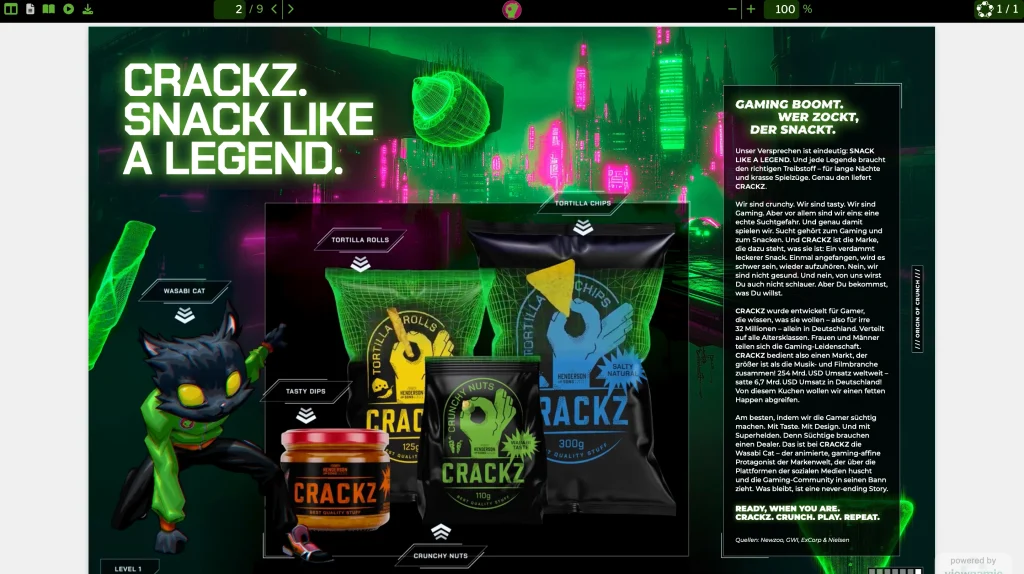
Illustration: a public publication page in your design, with your logo, a short description and a link to your website above all the documents you have made public – catalogues, brochures, magazines and reports.

Branding

More for your brand

  • Your colours and logo

    Upload your logo and choose the colours of the toolbar, the background and the accents. Readers see a consistent design around every brochure, proposal and magazine you share – it feels like part of your website, not like a third-party tool.

    Your own logo and colours in the viewer are included in selected plans. Compare plans
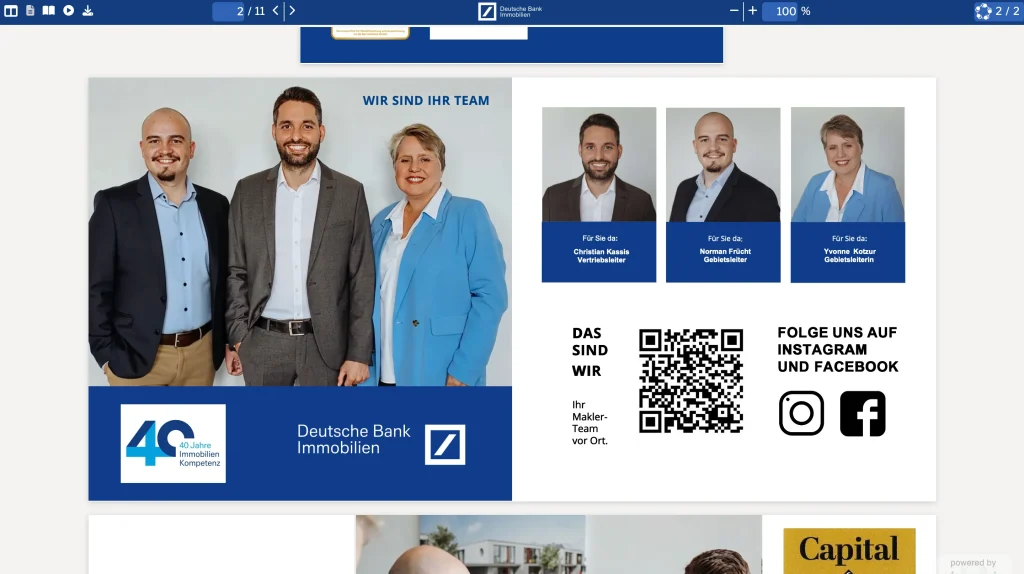
  • Consistent wherever readers open it

    Whether readers open a link, an embed on your website or your public page – they always see your branded viewer.

  • Your content only

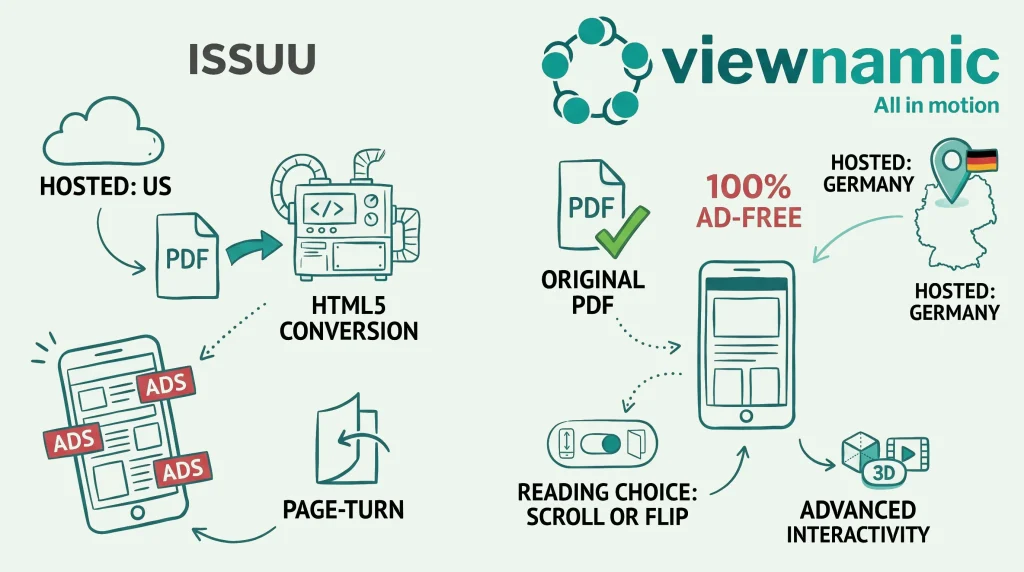
    Unlike many free publishing platforms, Viewnamic shows no ads and no recommendations of other publishers’ documents next to yours.

How it works

Set up in a few minutes

  1. Open the viewer designer

    Customise the viewer in your Viewnamic workspace.

  2. Add logo and colours

    Upload your logo, choose your colours and enter your website.

  3. Publish on brand

    Readers see your design when they open your publications.

Examples

See it in real documents

Open real publications in the Viewnamic viewer – exactly as readers experience them.

  • Sales folder

    CRACKZ sales folder

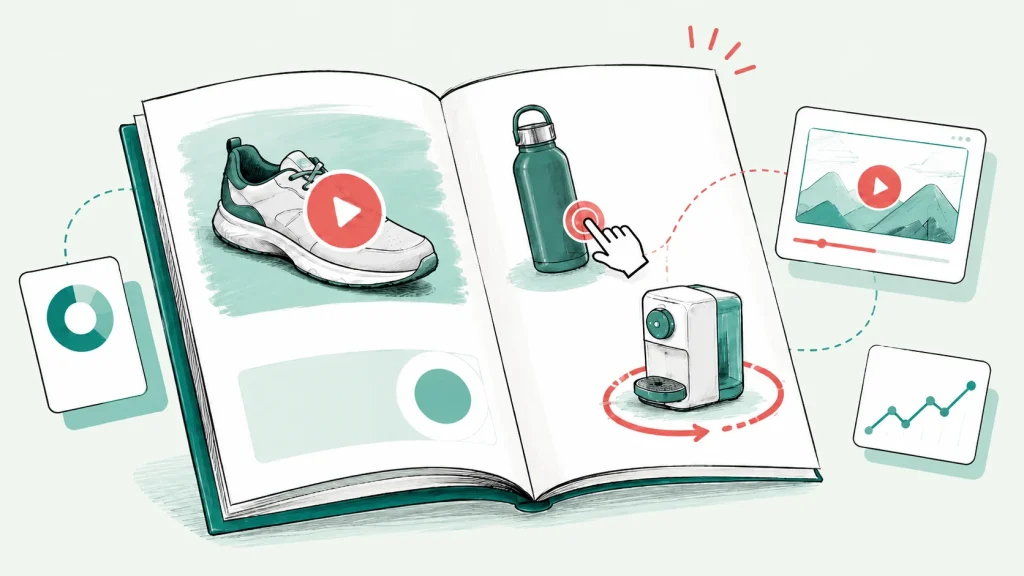
    MBG Group turned the B2B sales folder of its snack brand CRACKZ into an interactive experience: product animations play right on the pages.

  • Rulebook

    Padel tennis rules

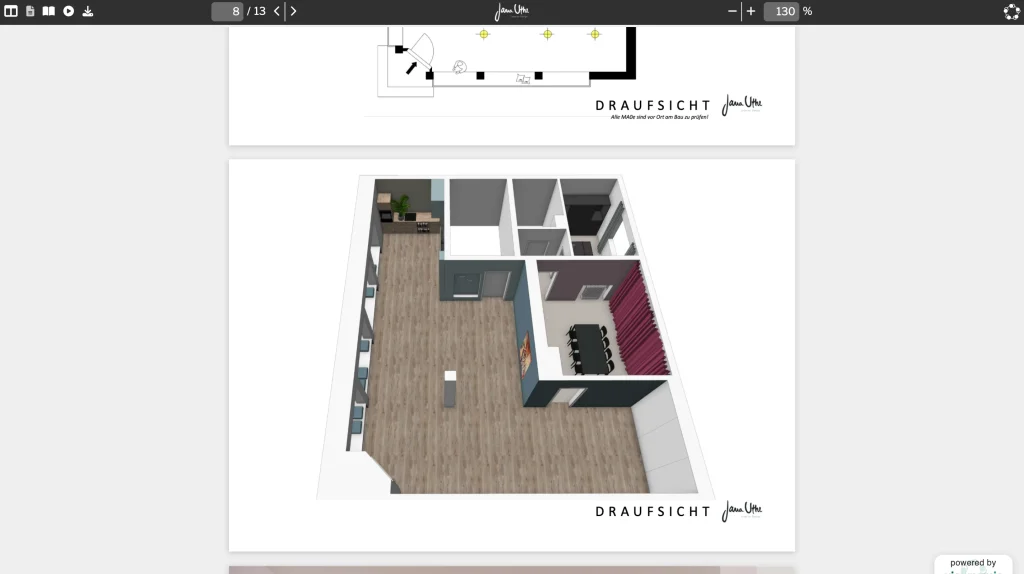
    The rules for a padel tennis course of the university sports programme: seven pages in German with helpful videos. A QR code on the printed version leads to the interactive one – shown in the university’s own viewer colours.

Solutions

Where teams use it

  • Use case

    Catalogs & Brochures

    Catalogs, brochures and lookbooks with product videos, image slideshows and clickable links to your shop.

  • Use case

    Sales & Marketing

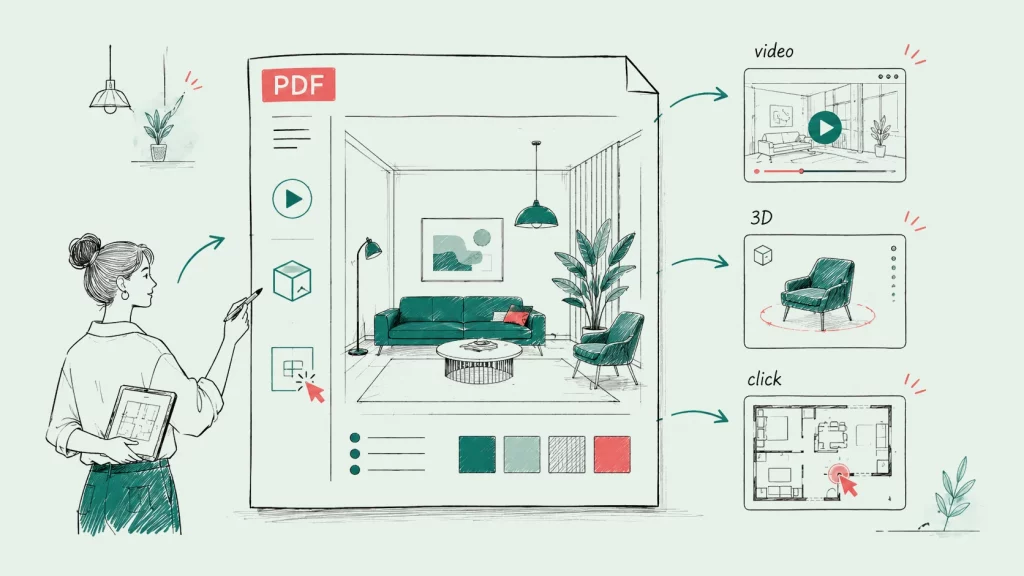
    Sales folders, product brochures and pitch decks with product videos, 3D models and clickable variants – shared with one link.

  • Use case

    Guides & Manuals

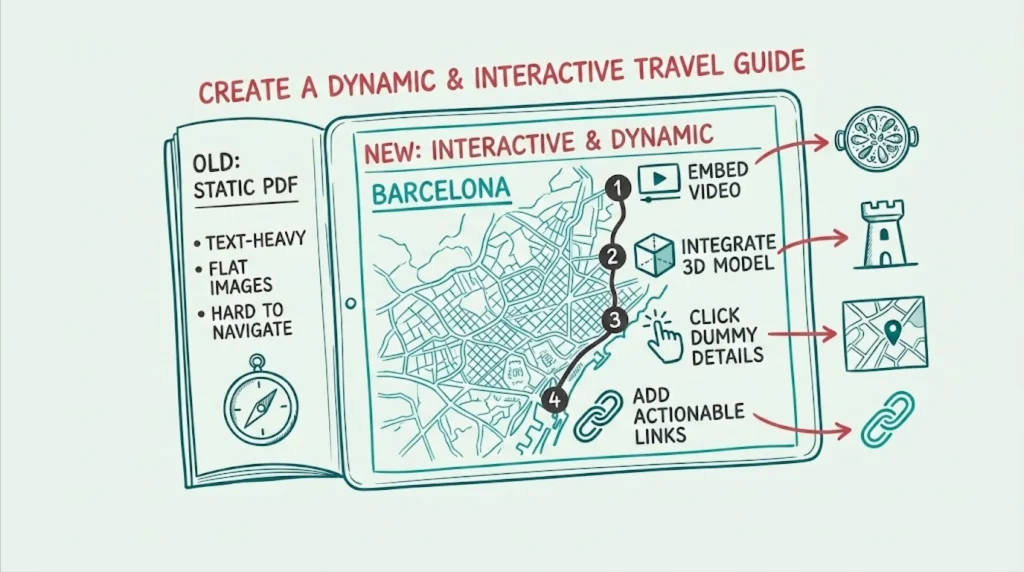
    Travel guides, manuals and software guides with videos, clickable maps and click dummies.

  • Industry

    Real Estate

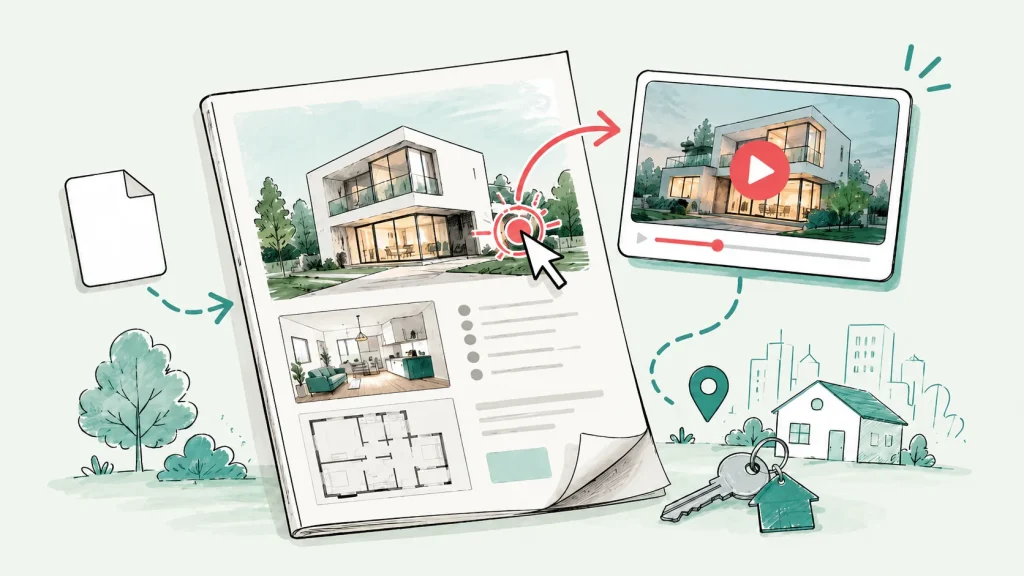
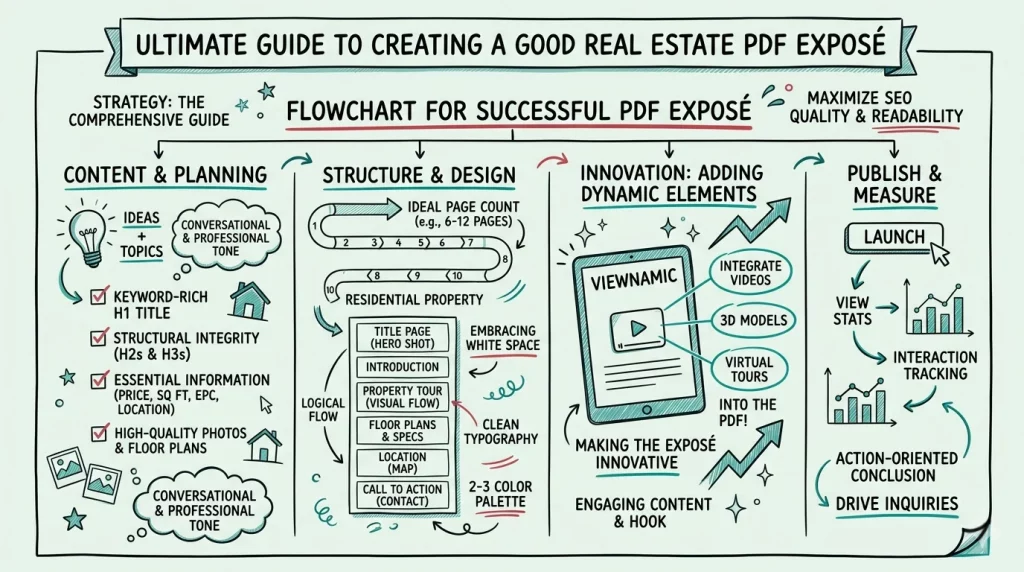
    Exposés and brochures that show properties in motion – with property videos, tours and image slideshows.

From the blog

Guides and background

FAQ

Frequently asked questions

Can I customise the PDF viewer with my logo and colours?

Yes. You can upload your logo, choose the colours of the toolbar, the background and the accents and add a link to your website. Readers then see your publications in a viewer that matches your corporate design. Your own logo and colours in the viewer are included in selected plans.

Can I give my publications a branded overview page?

Yes. Your public publication page shows your logo, a description and your website above all documents you make public – one link for your whole library. The branded public page is included in selected plans.

Do readers see ads or other publishers’ documents?

No. Viewnamic shows no ads and no recommendations of other publishers’ documents. Readers only see your content.

Why does a branded PDF viewer matter?

A consistent design builds trust: a brochure or proposal that opens in your colours and with your logo feels like part of your brand, not like a file on a third-party platform.

Try it with your own PDF

Upload a document you already have and see the result in minutes – free for 30 days.

Newsletter

Get product updates and publishing tips

New features, examples and ideas for better digital documents – a few times a year, no spam.